Canva Ai in Affinity Suite
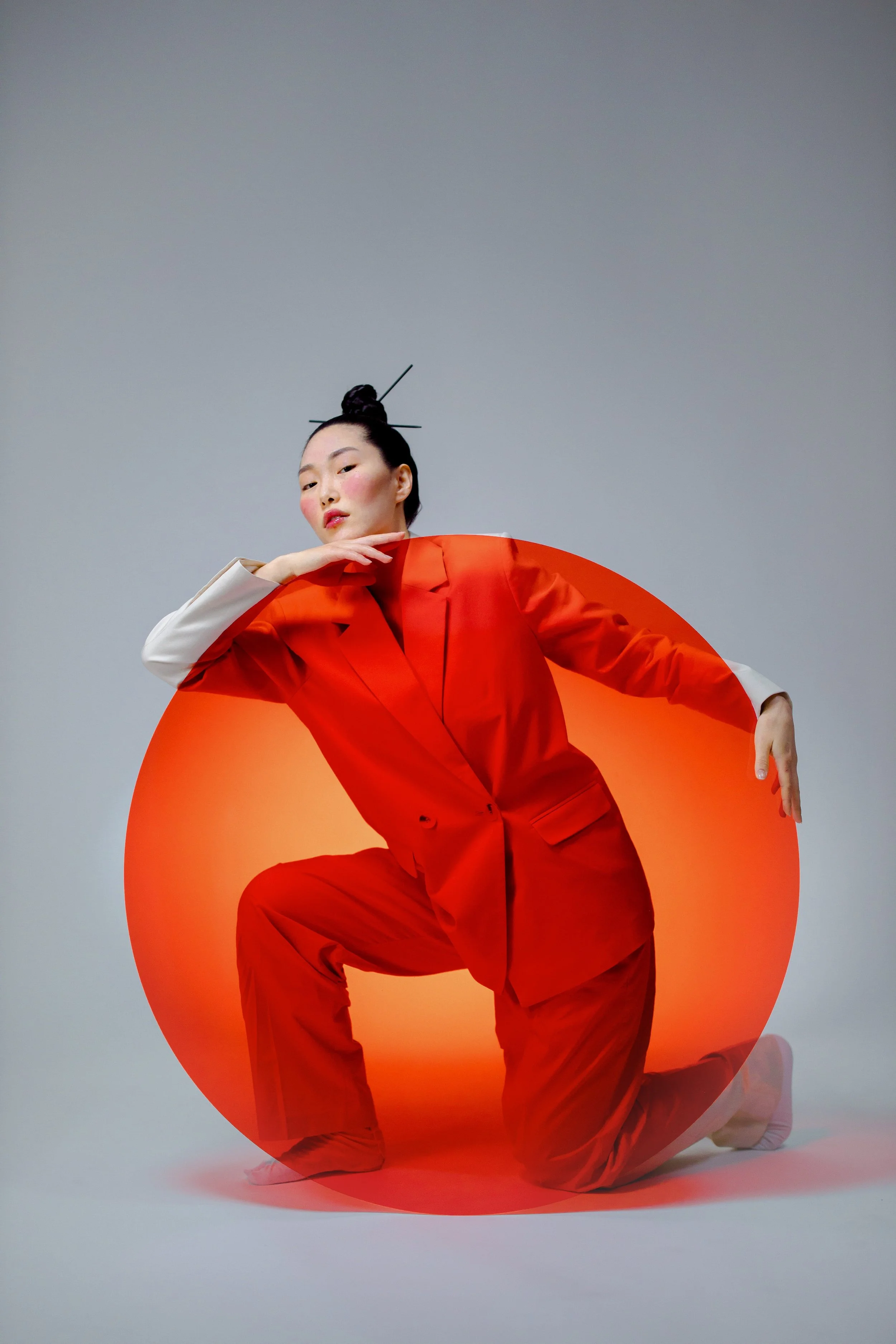
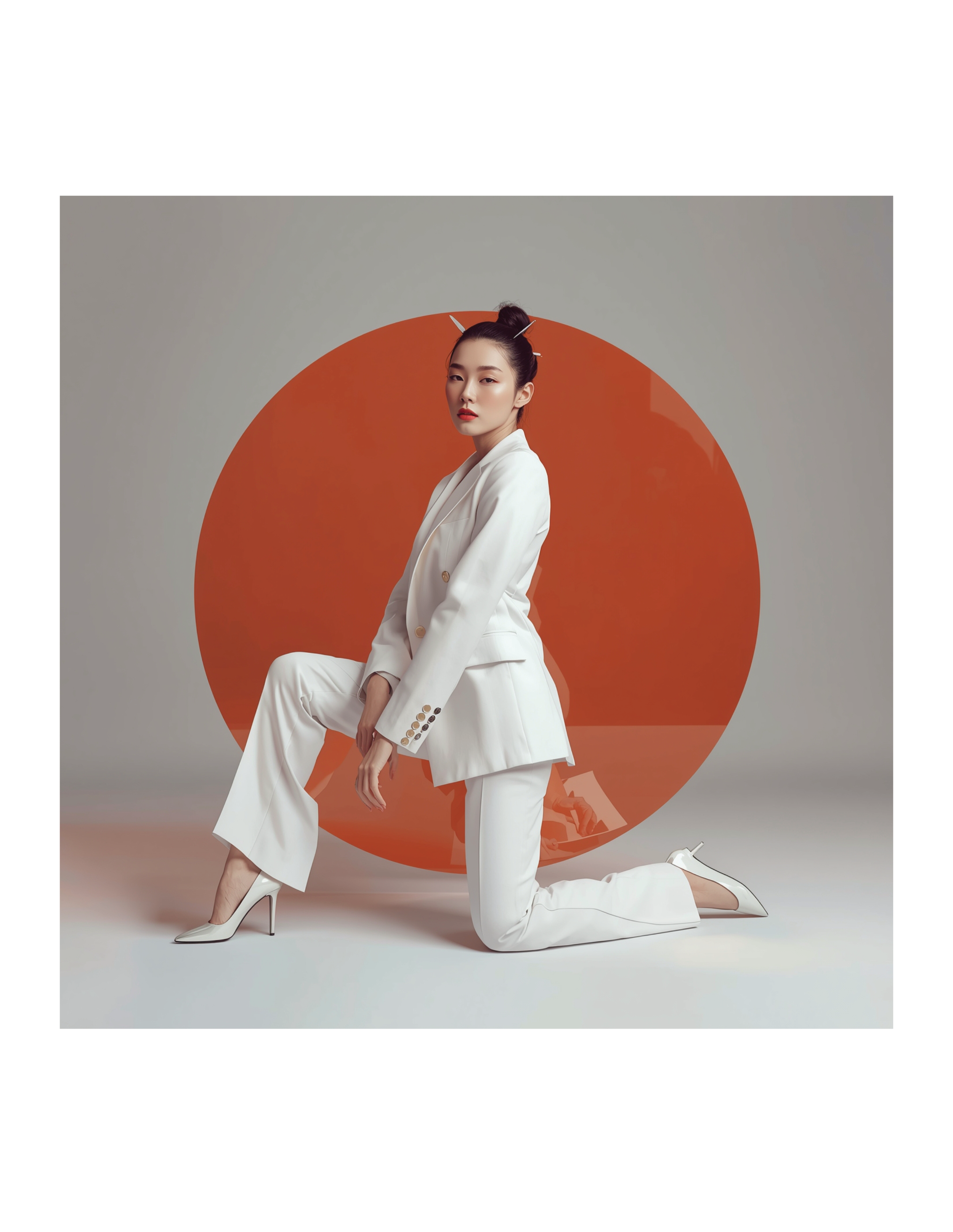
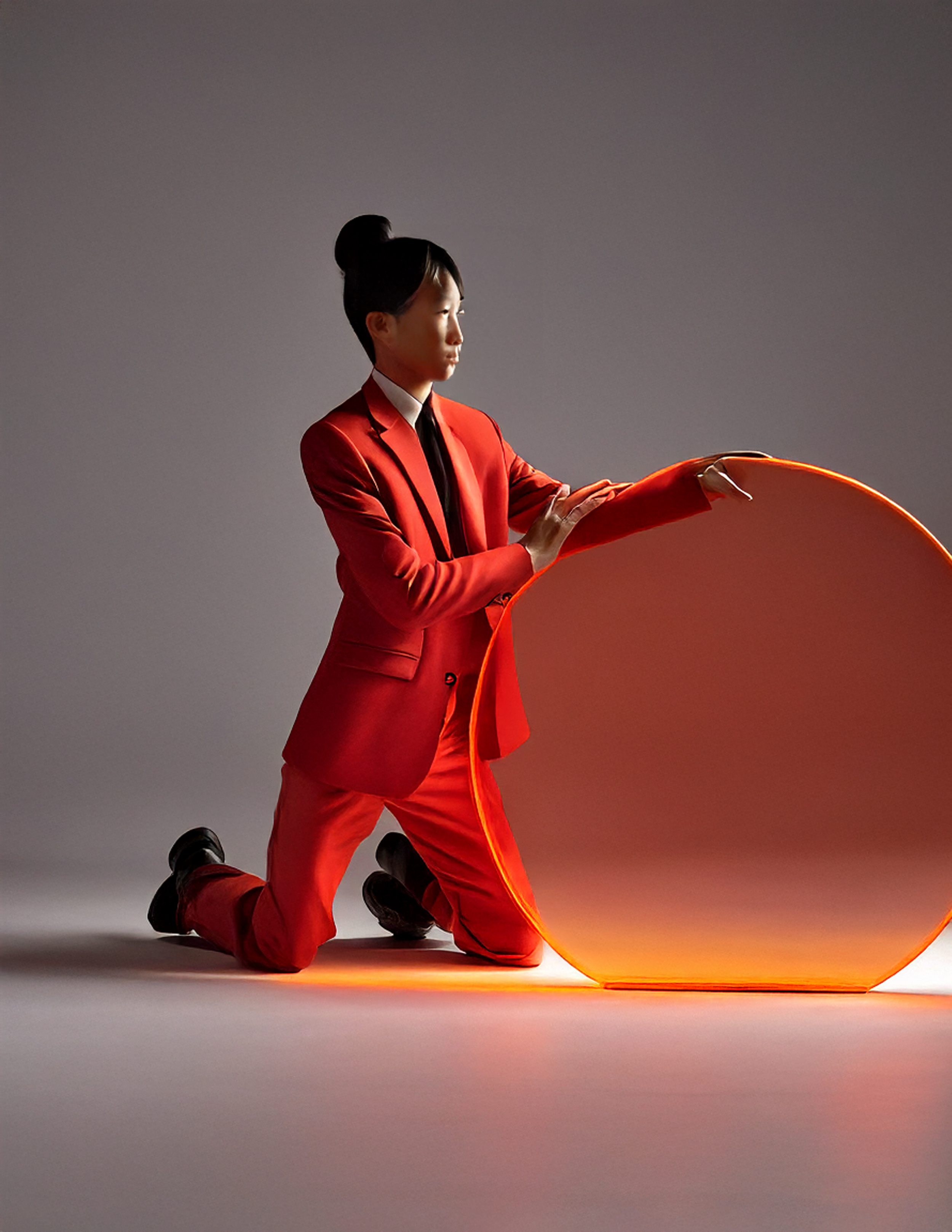
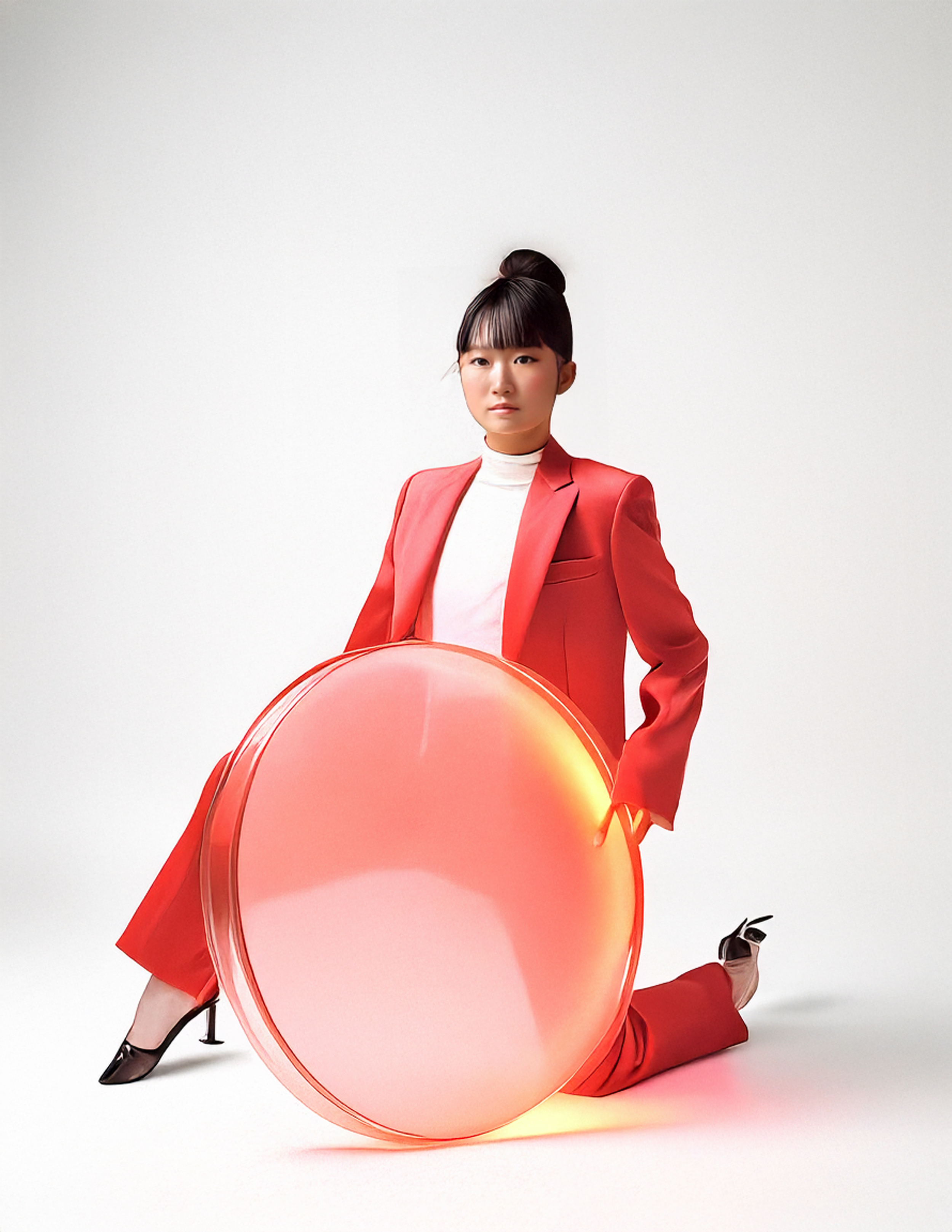
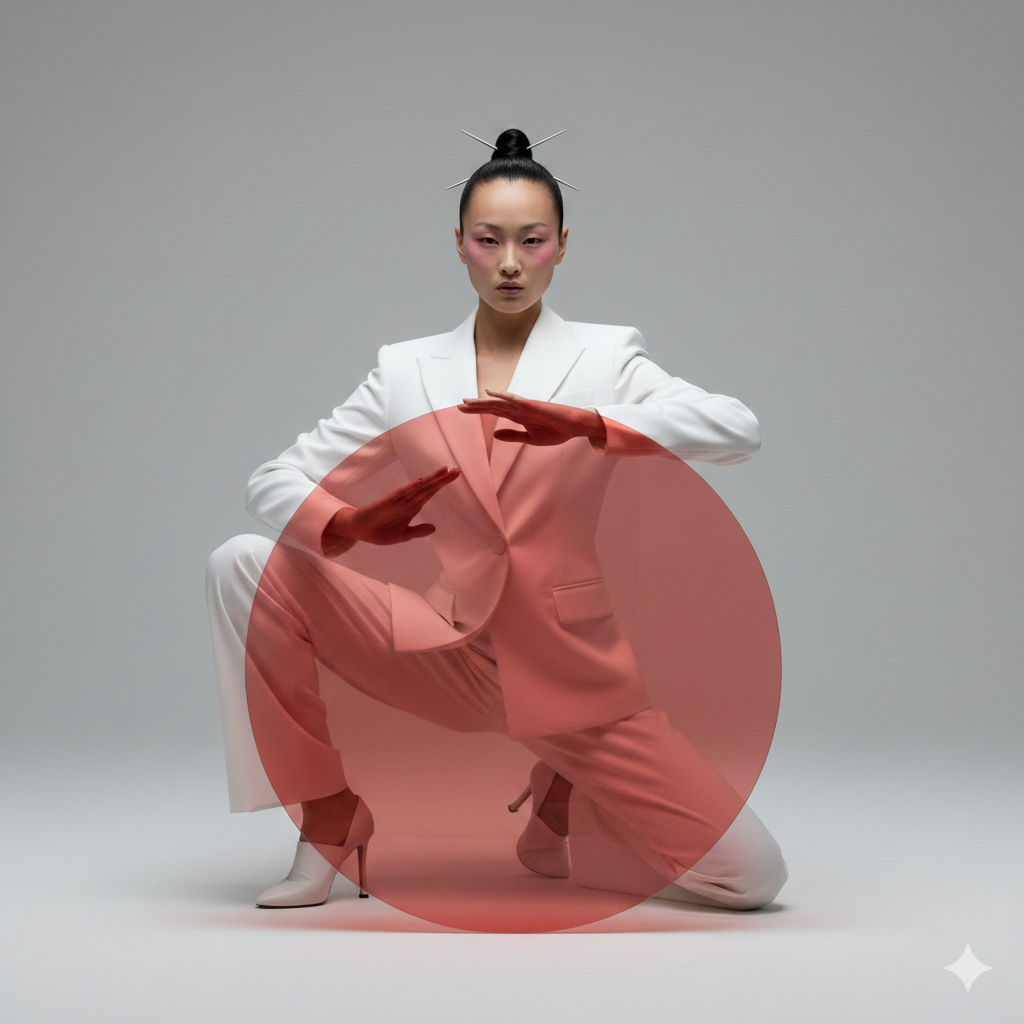
Canva Image Generation
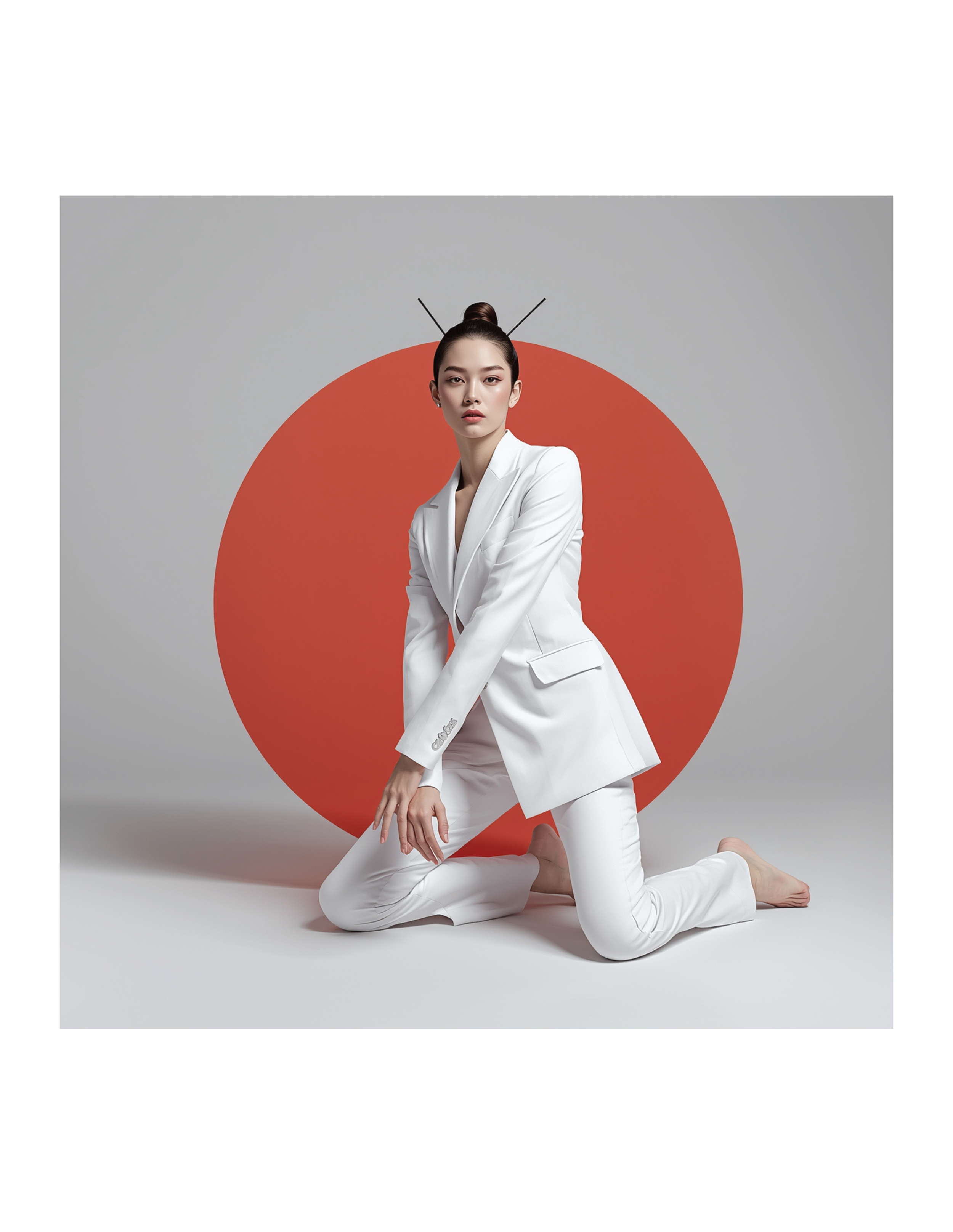
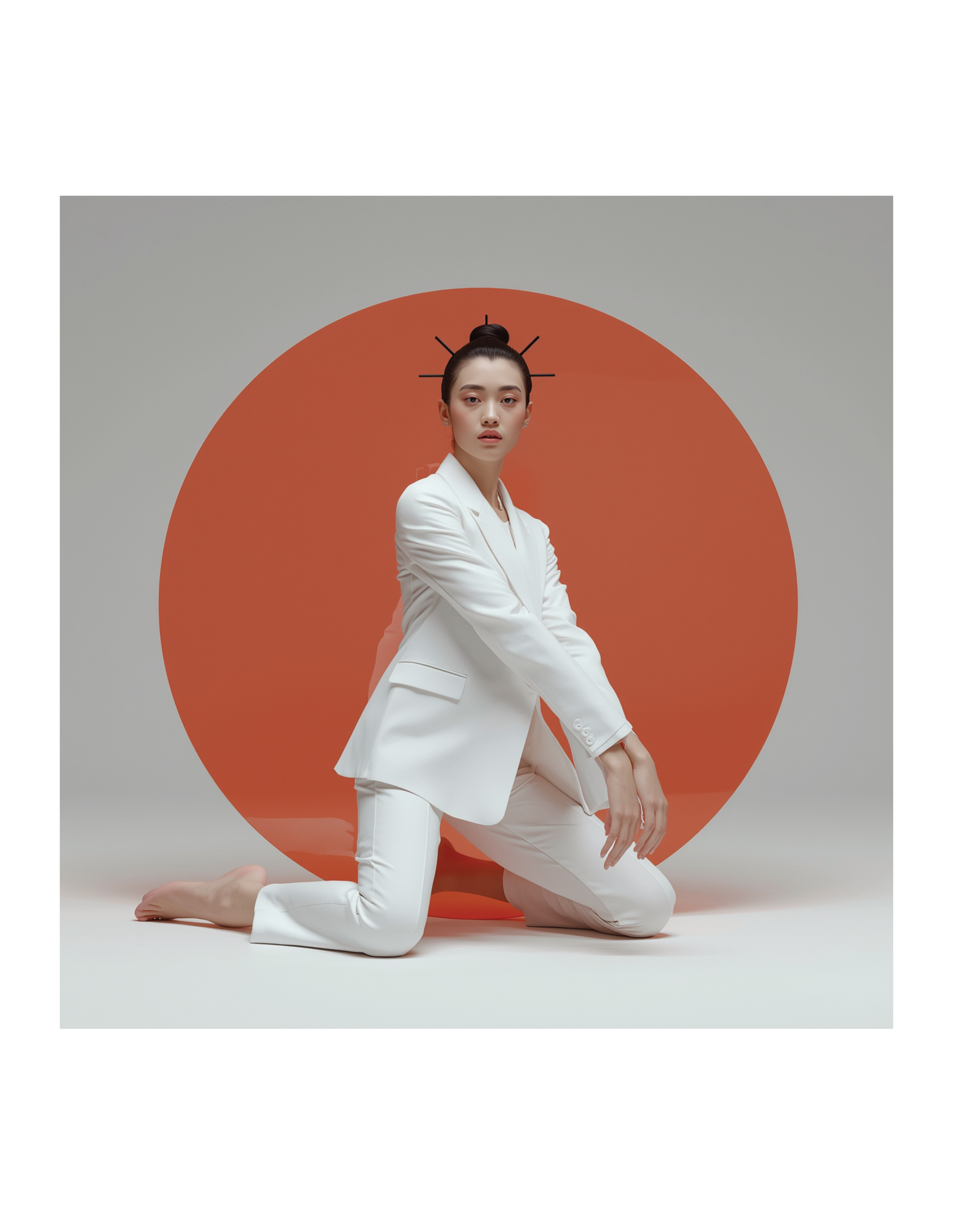
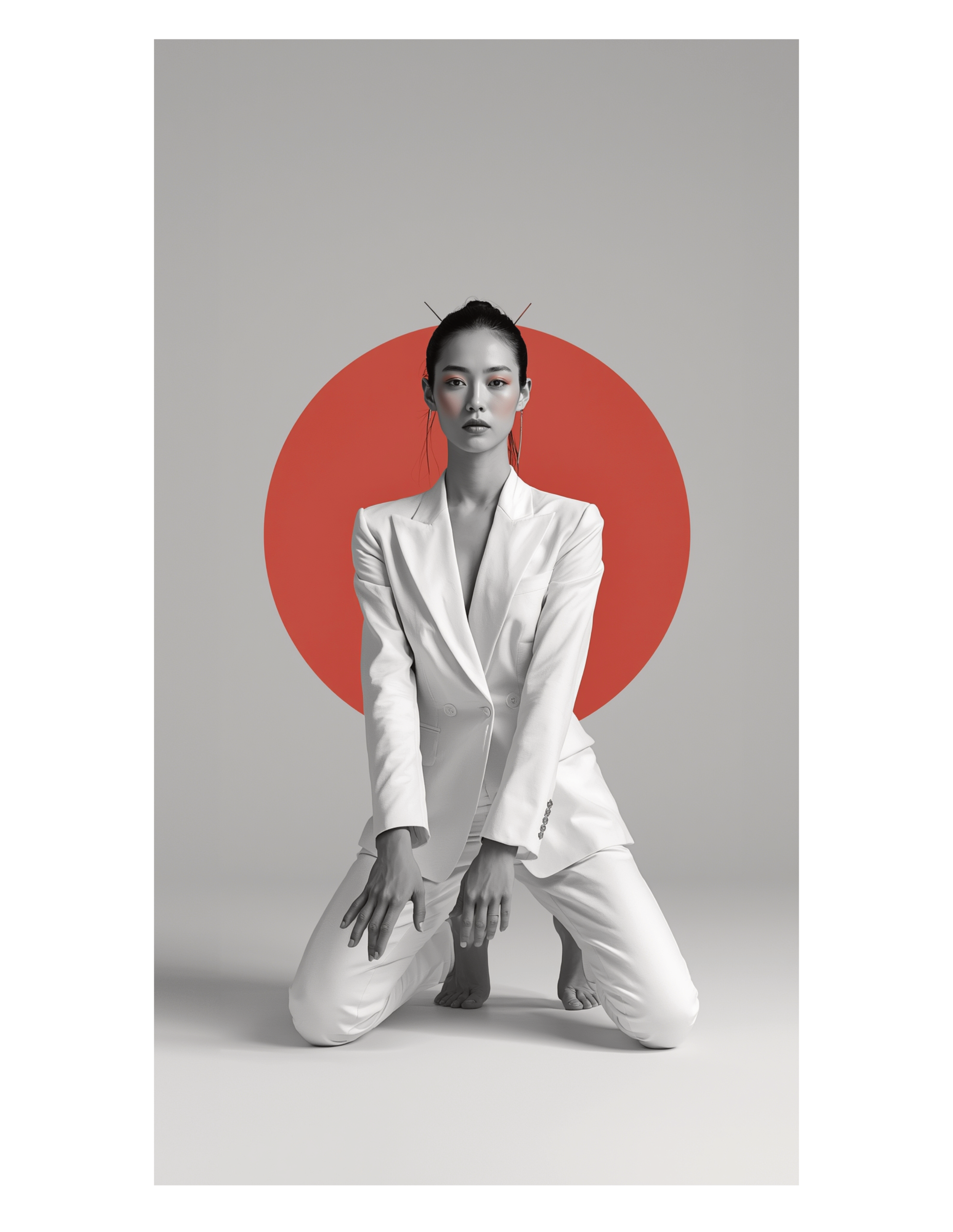
Prompt used for Affinity and Nanobanana:
A highly detailed 3D render, ultra-modern fashion photography, conceptual, editorial style. A high-fashion studio portrait of an androgynous East Asian model in a bold monochrome white tailored suit, kneeling in a sculptural, contemporary dance pose. The model’s body forms strong angular lines, one knee on the floor, arms bent in an elegant, controlled gesture. Hair is styled in a sleek top knot with minimalist hair sticks. Makeup is editorial with soft pink blush and natural lips. In front of the model is a large, perfectly centered translucent red-orange circular disc, creating a graphic, minimalist composition. Clean light gray studio background. Soft diffused studio lighting with gentle shadows, crisp fabric texture, and smooth skin tones. Shot with a medium-format camera look, shallow depth of field, high resolution, sharp focus, balanced symmetry, calm yet powerful mood, cinematic lighting, dynamic textures, intricate details, 3D model.
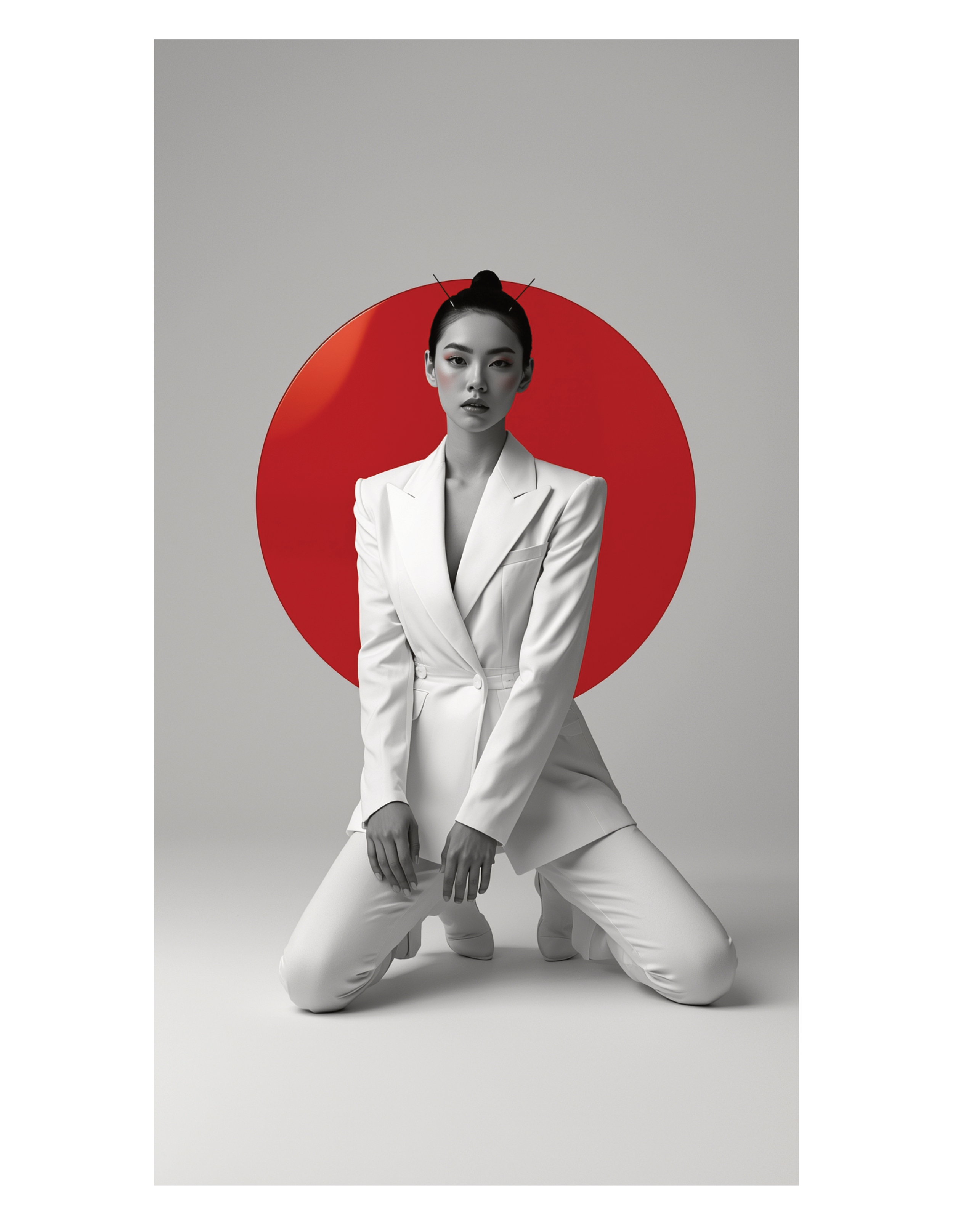
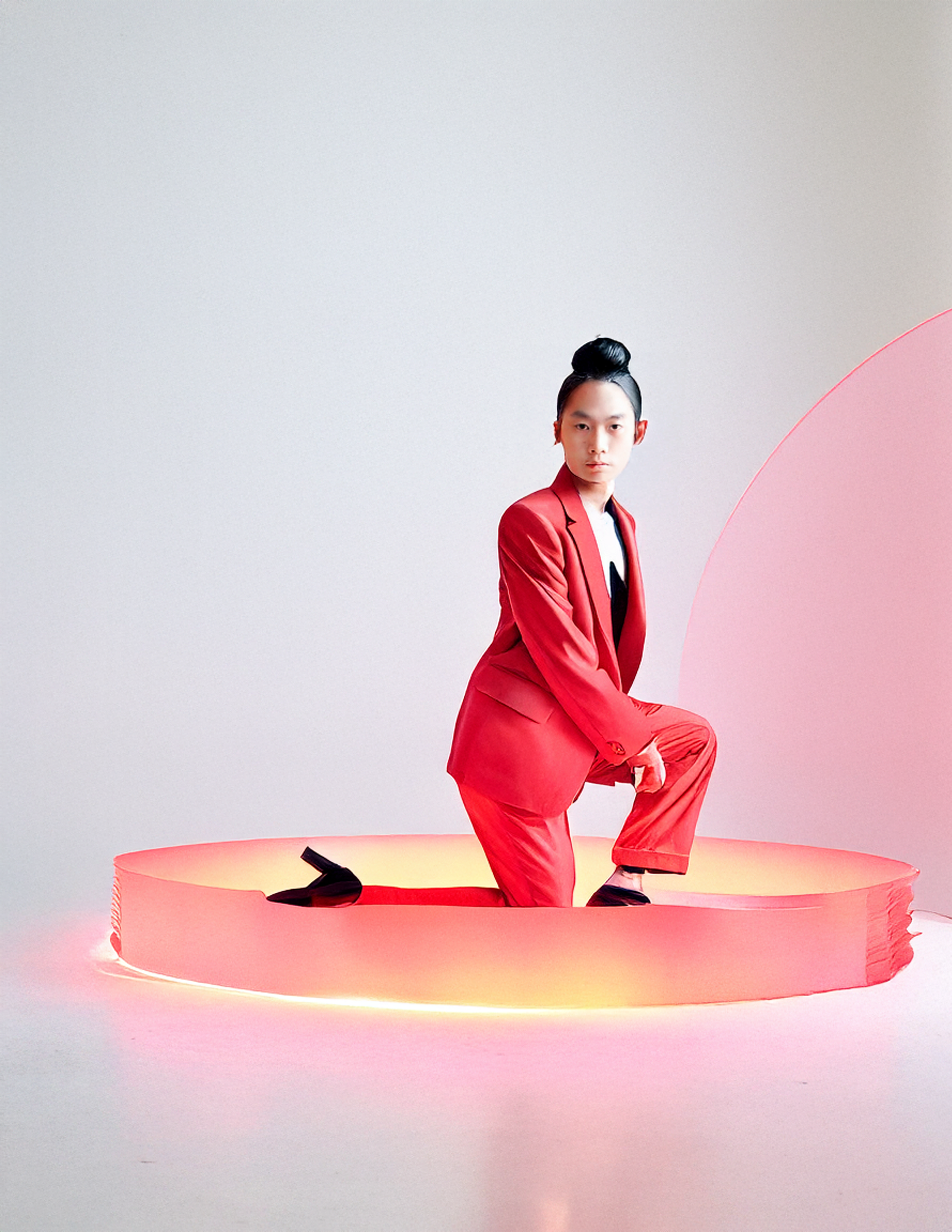
Prompt used for Adobe Firefly (Because it had a word limit):
High-fashion studio portrait of an androgynous East Asian model wearing a bold monochrome red tailored suit, kneeling in a sculptural contemporary dance pose. Minimalist composition with a large glowing red-orange translucent circular disc in front of the model. Clean light gray background, soft diffused studio lighting, editorial makeup, sleek top knot hairstyle. Modern, conceptual fashion photography, sharp focus, high detail.
Canva Vector Generation
Prompt used:
Flat vector illustration of a financial checklist concept. A clipboard with checkmarks in the center, layered in front of stacked paper money and a large gold coin. Simple geometric shapes, clean outlines, soft muted colors, no gradients. Minimalist fintech icon style, 2D vector art, modern UI illustration, isolated on a warm neutral background.





Generative Expand
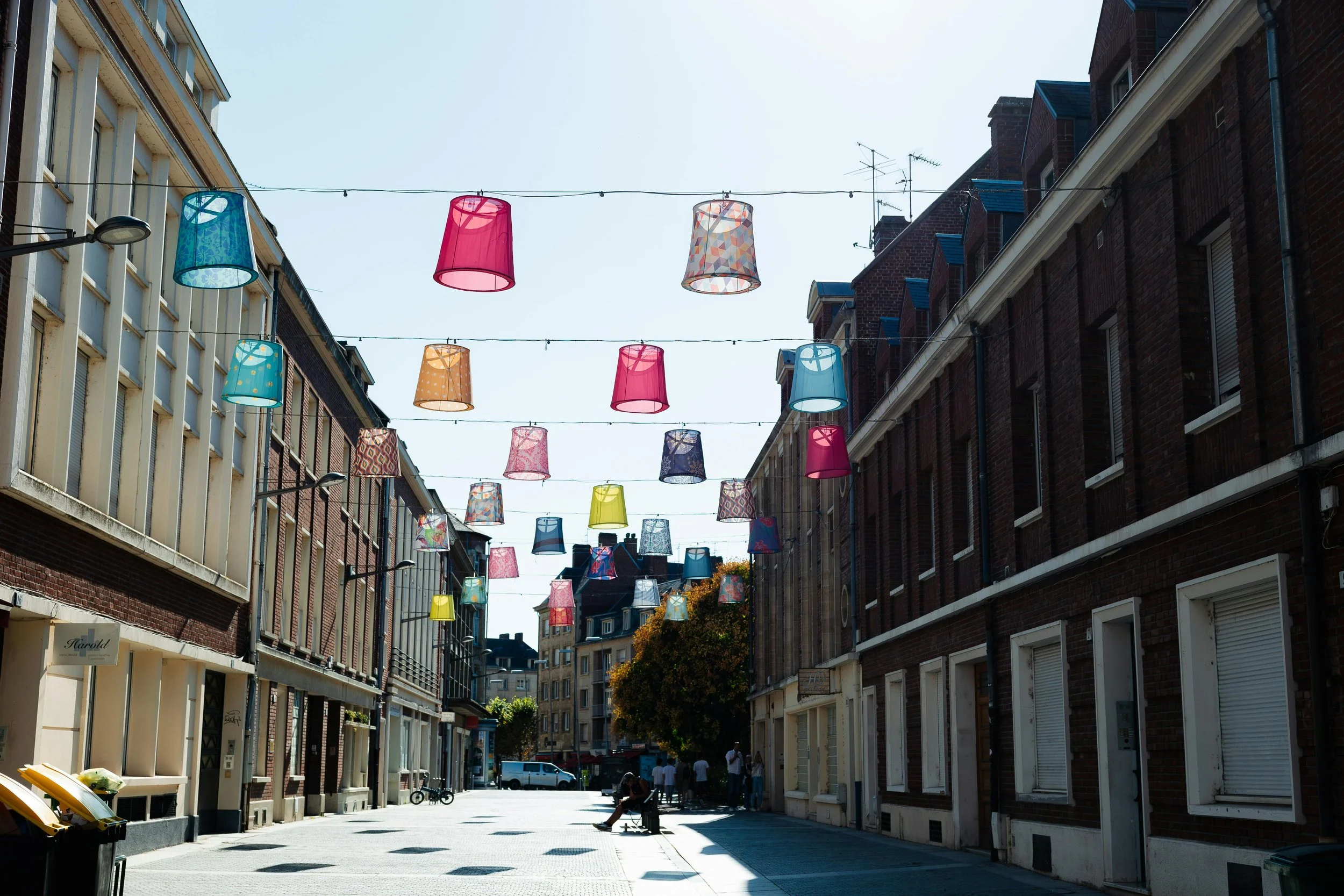
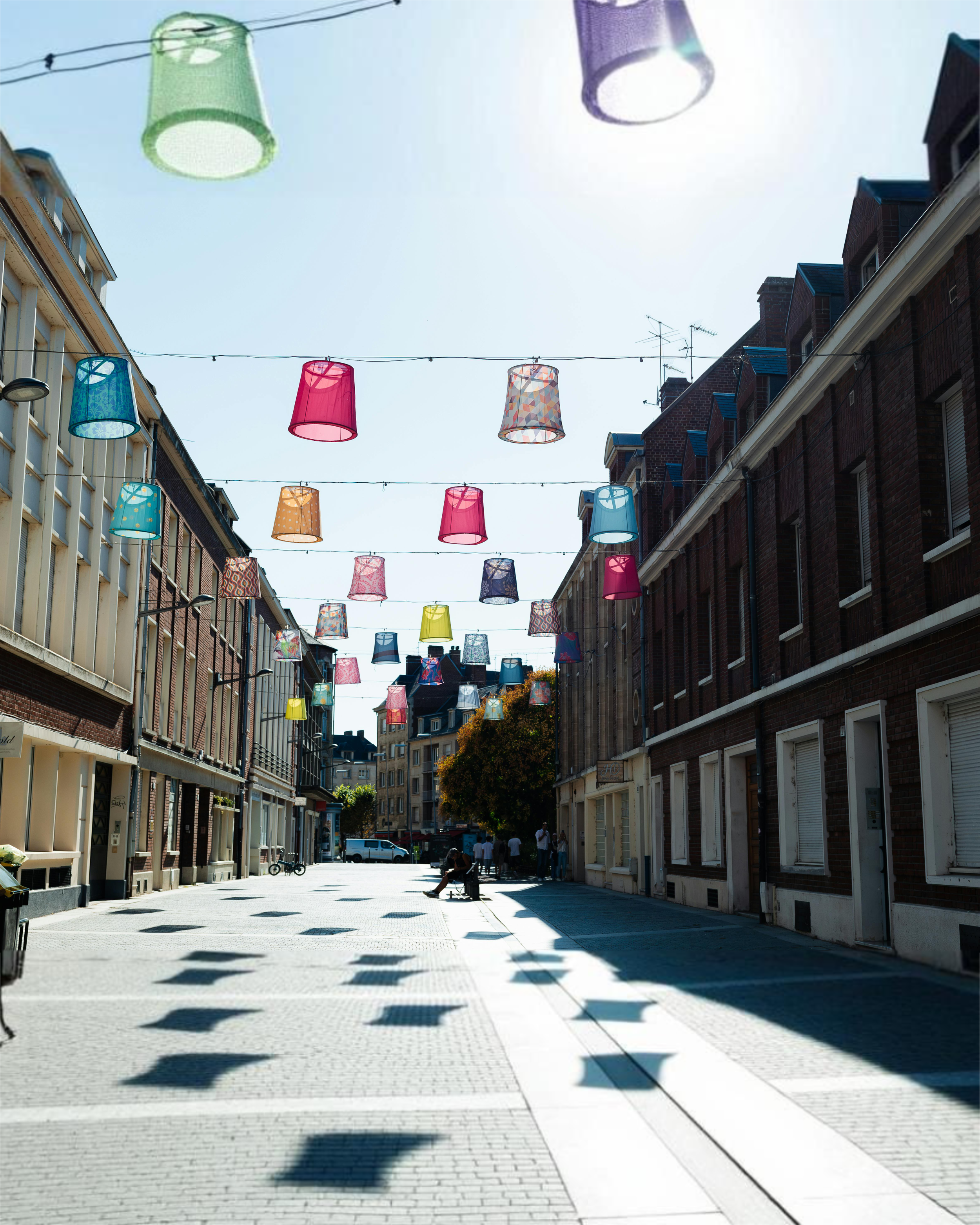
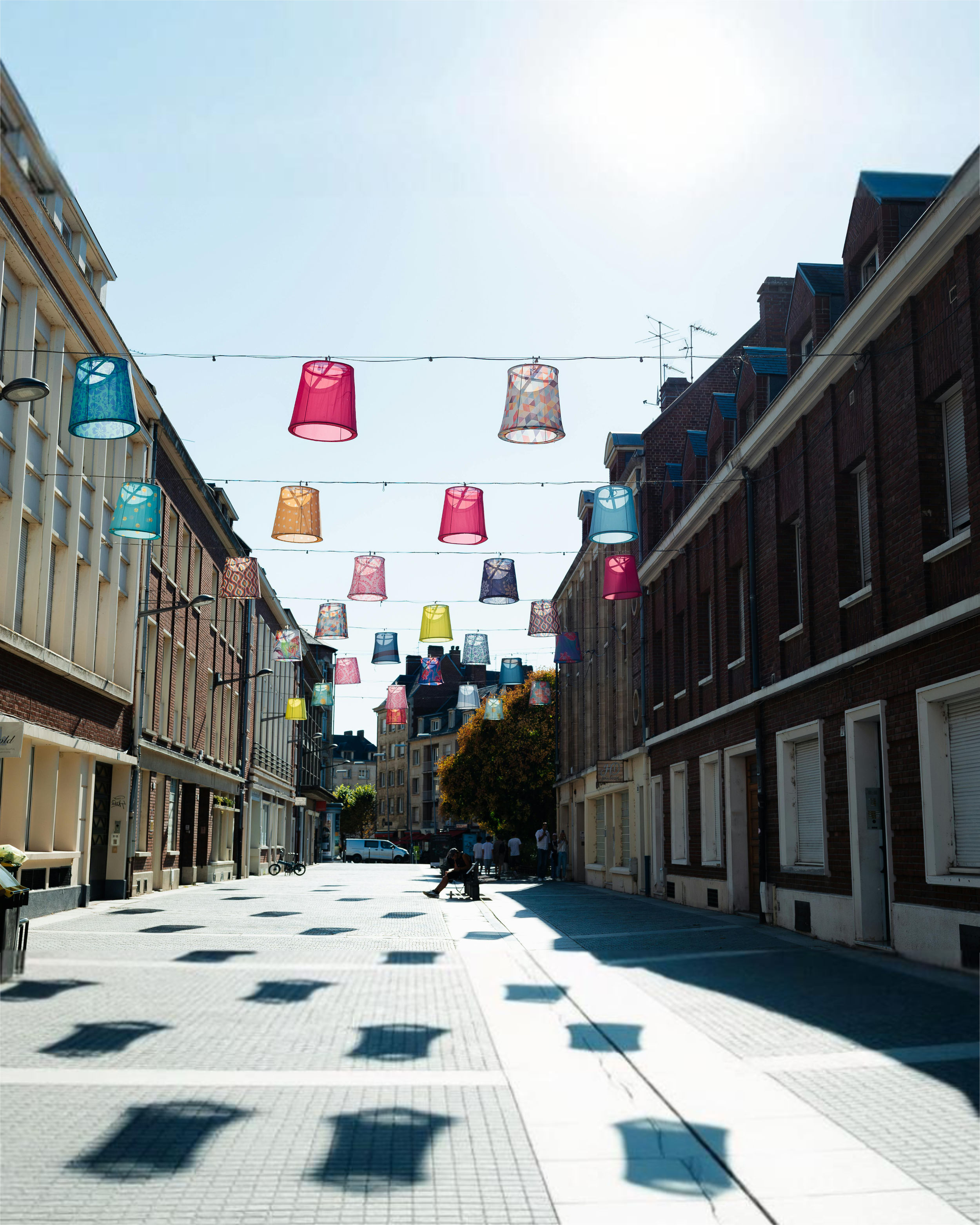
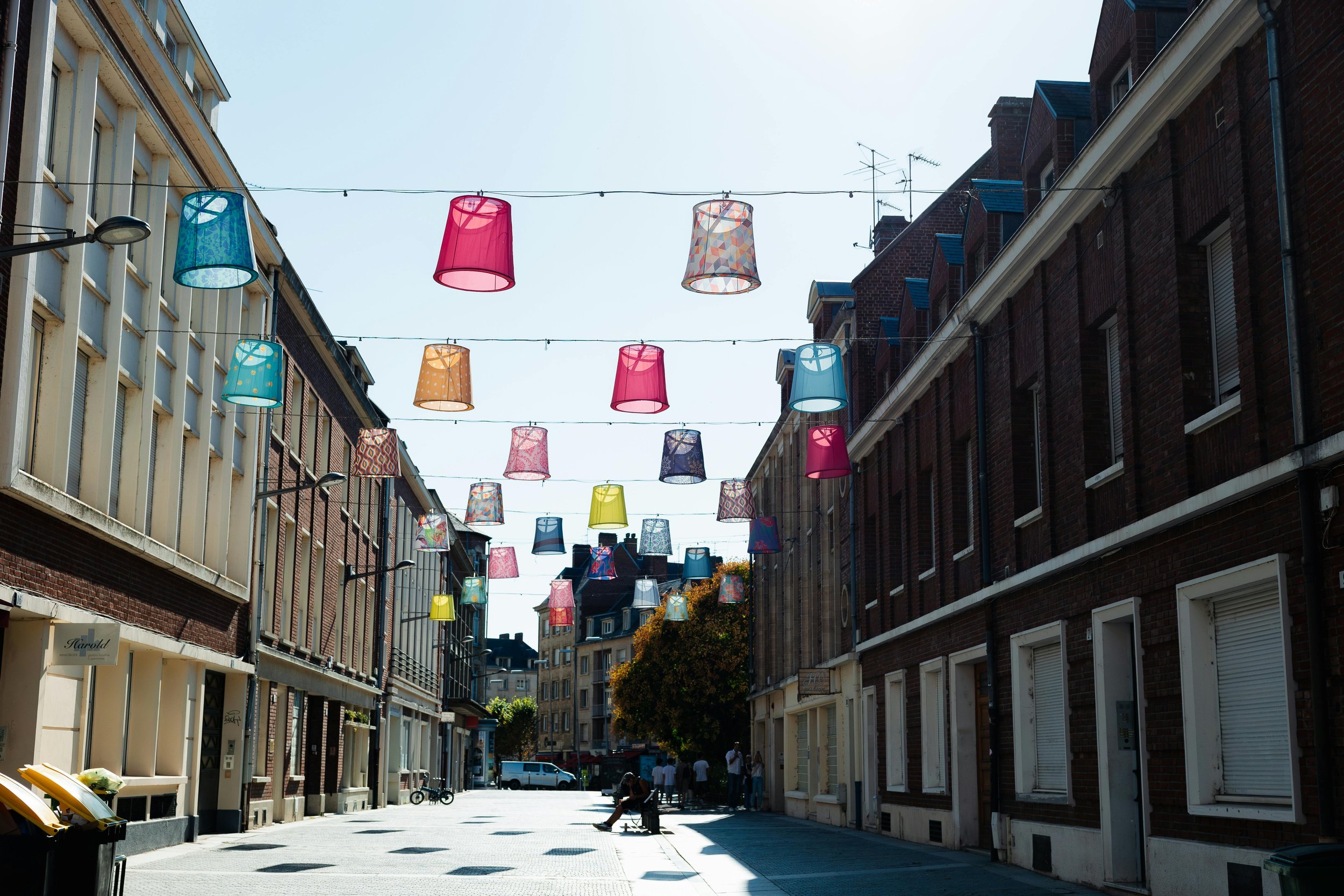
Affinity generative expand is okay for quick ideation or conceptualization, there tends to be a very clear divide of quality between where the original photo ends and the generation begins. As seen in the paving of the following photos. Generally, generative expands works, but minor retouching will be needed post-production.
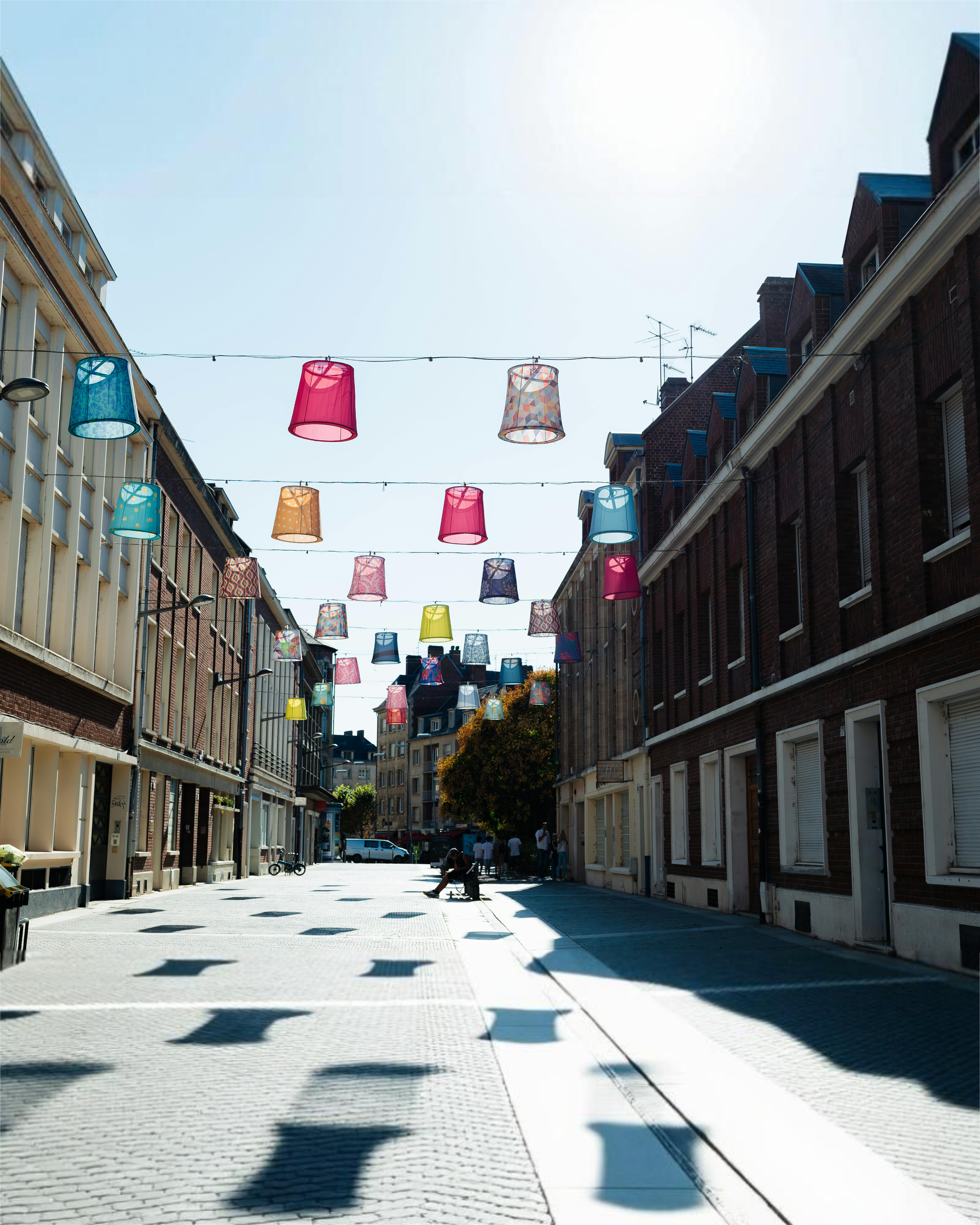
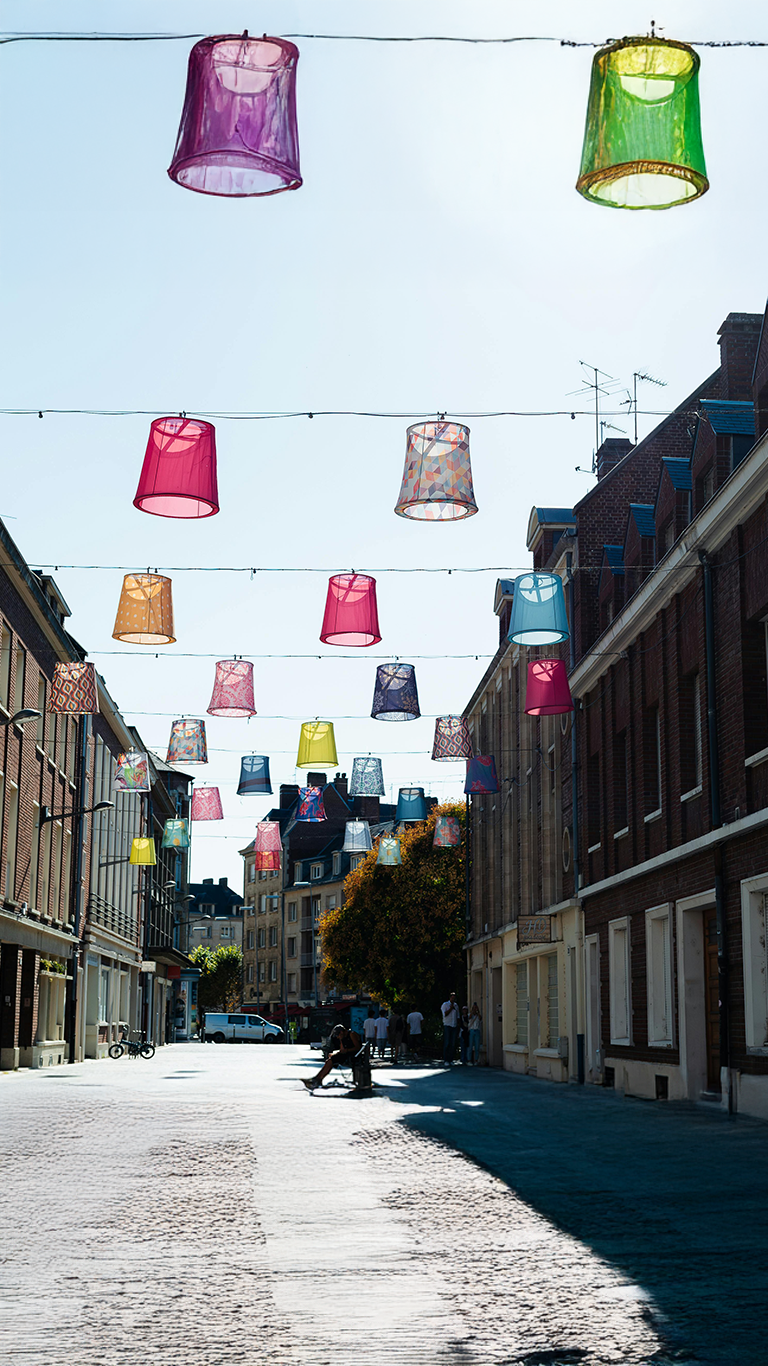
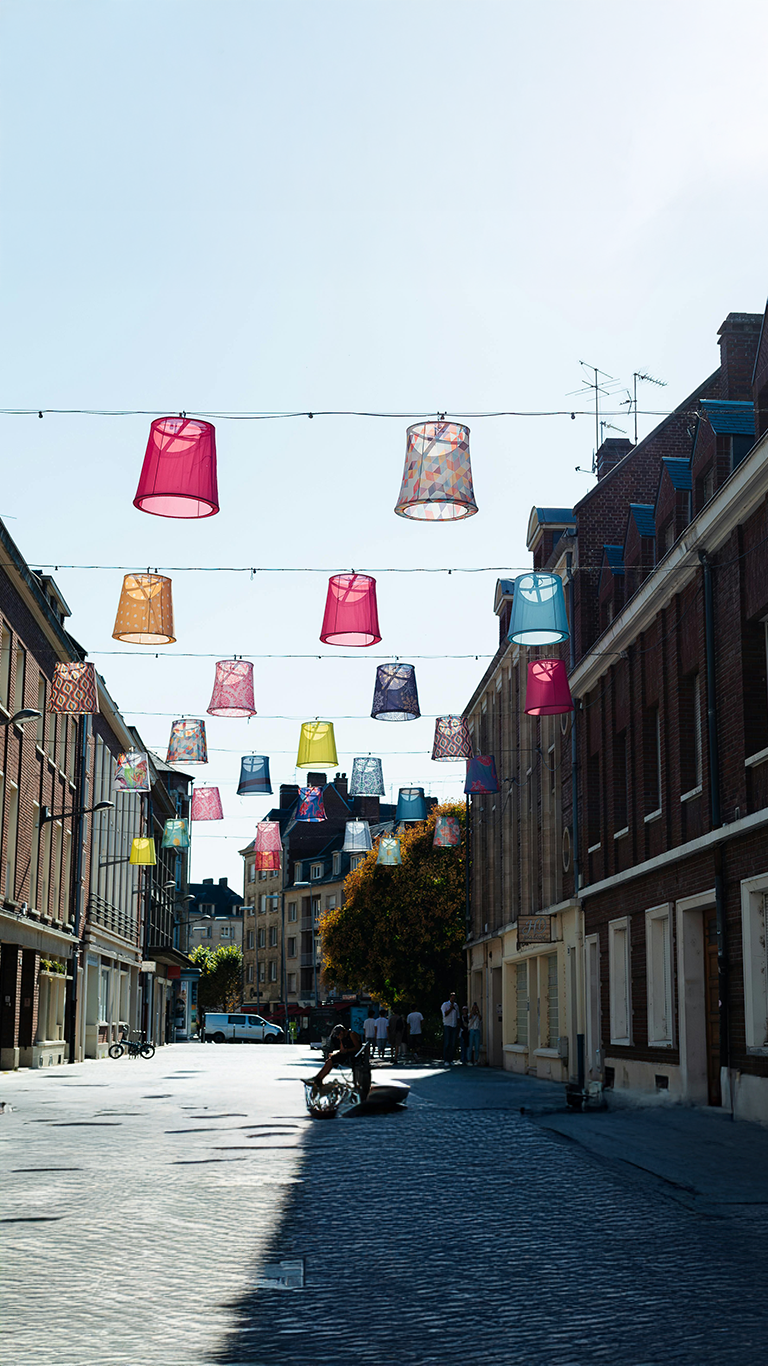
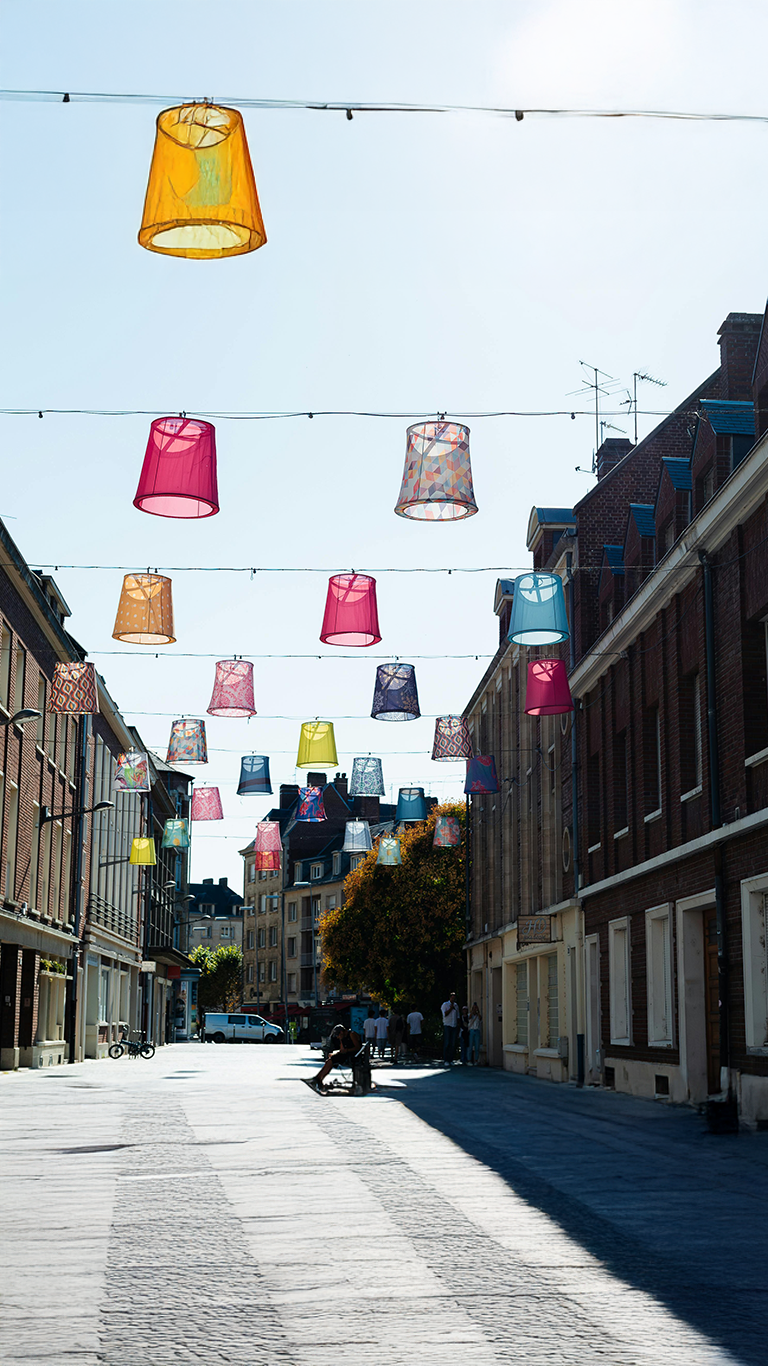
Generative Fill
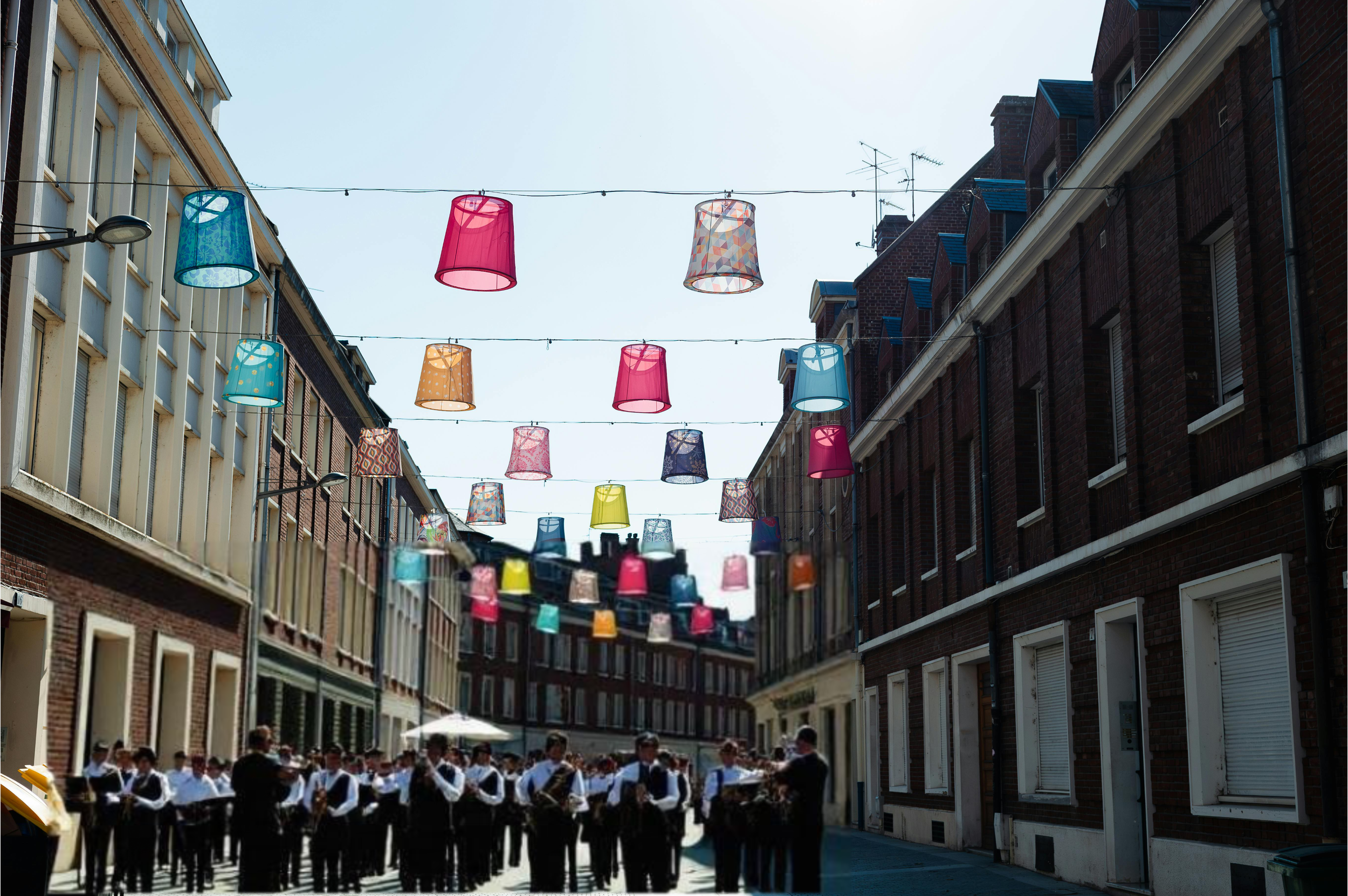
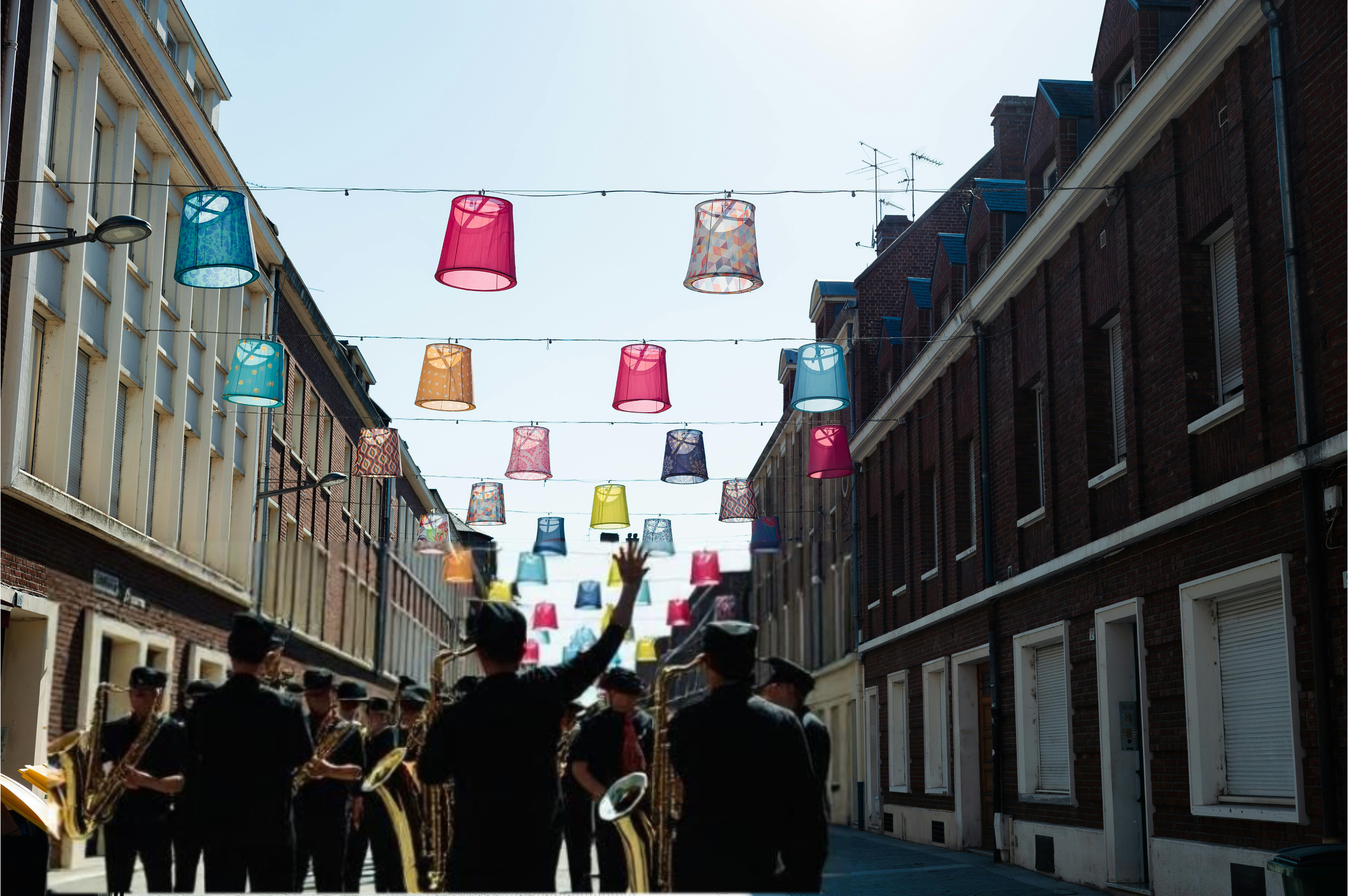
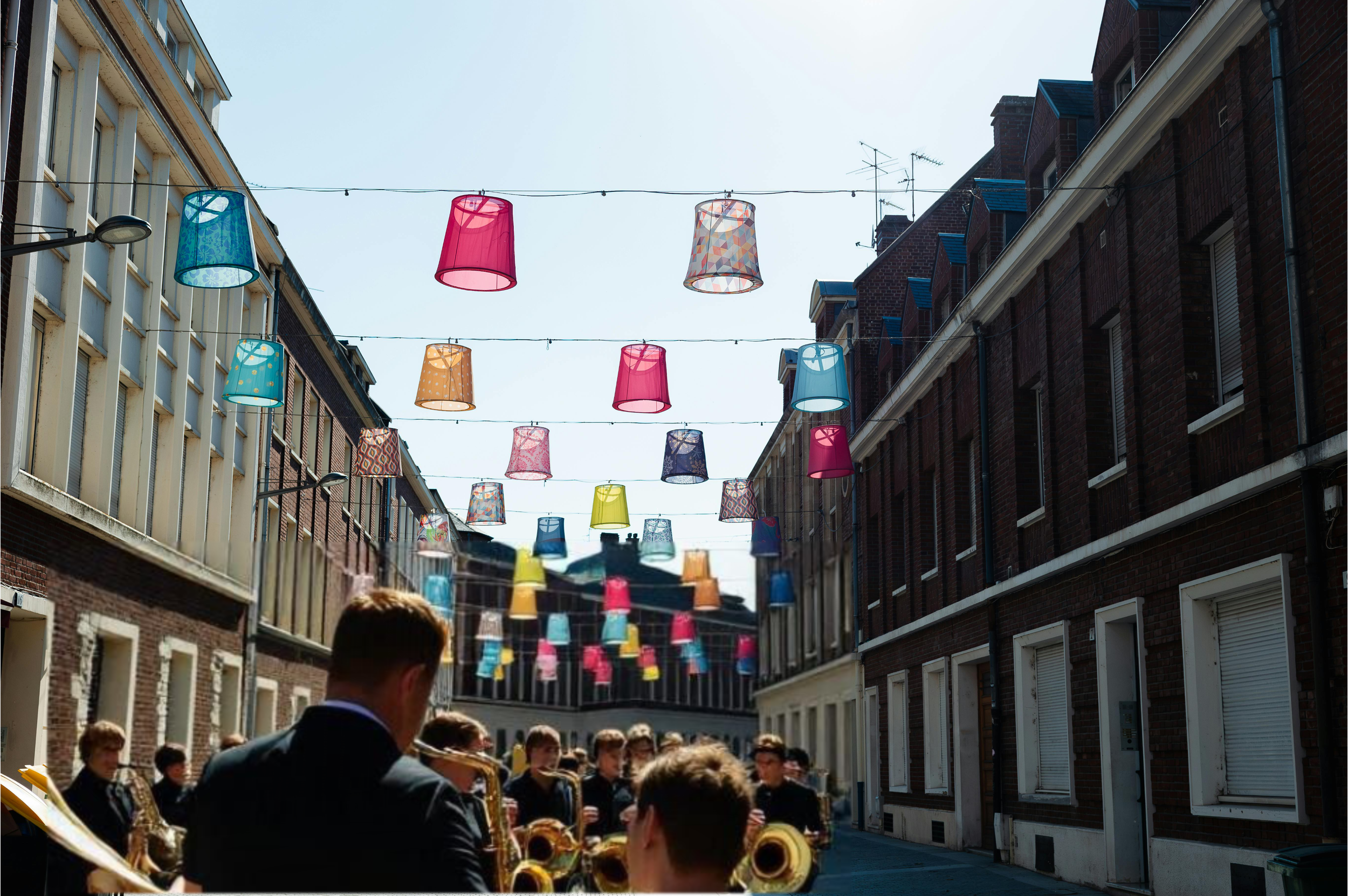
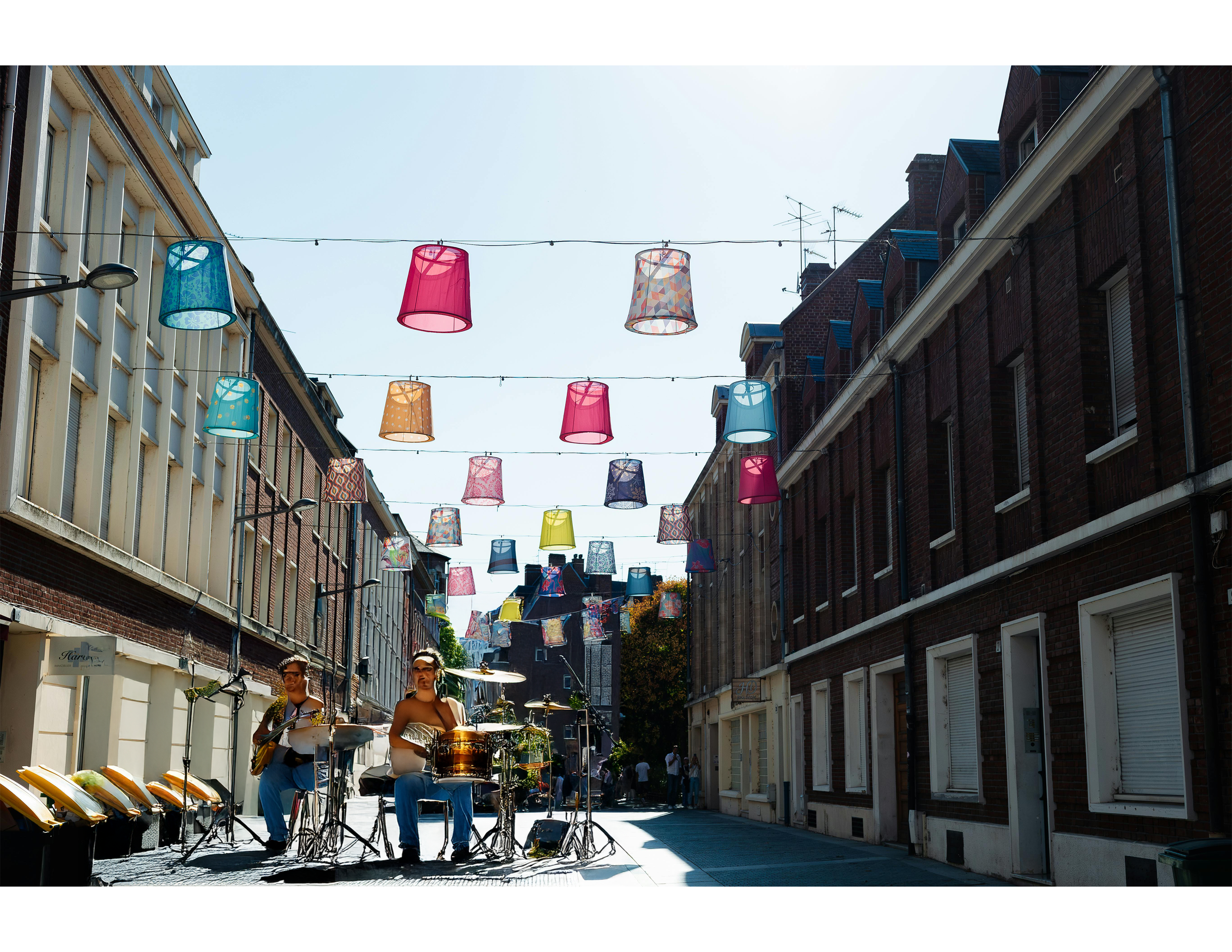
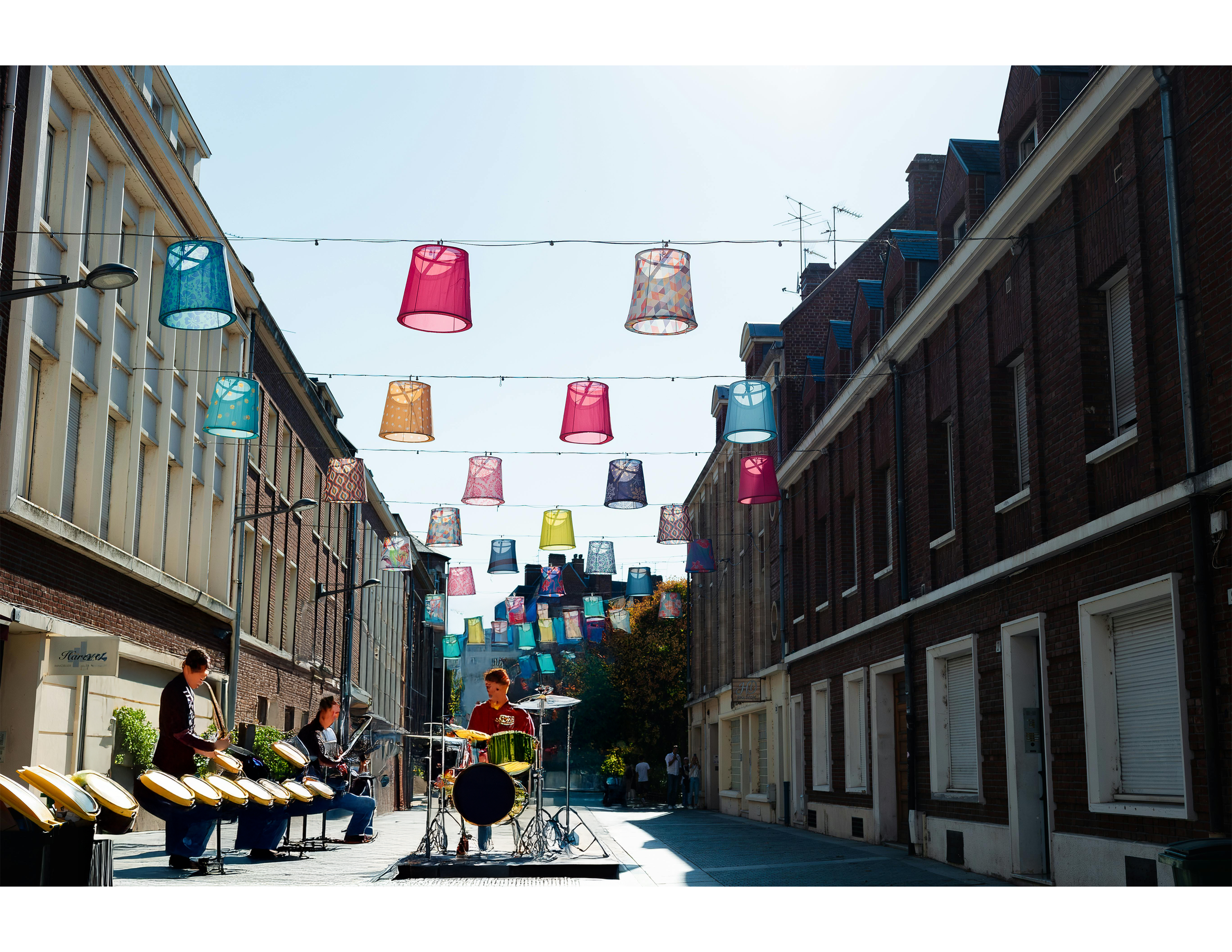
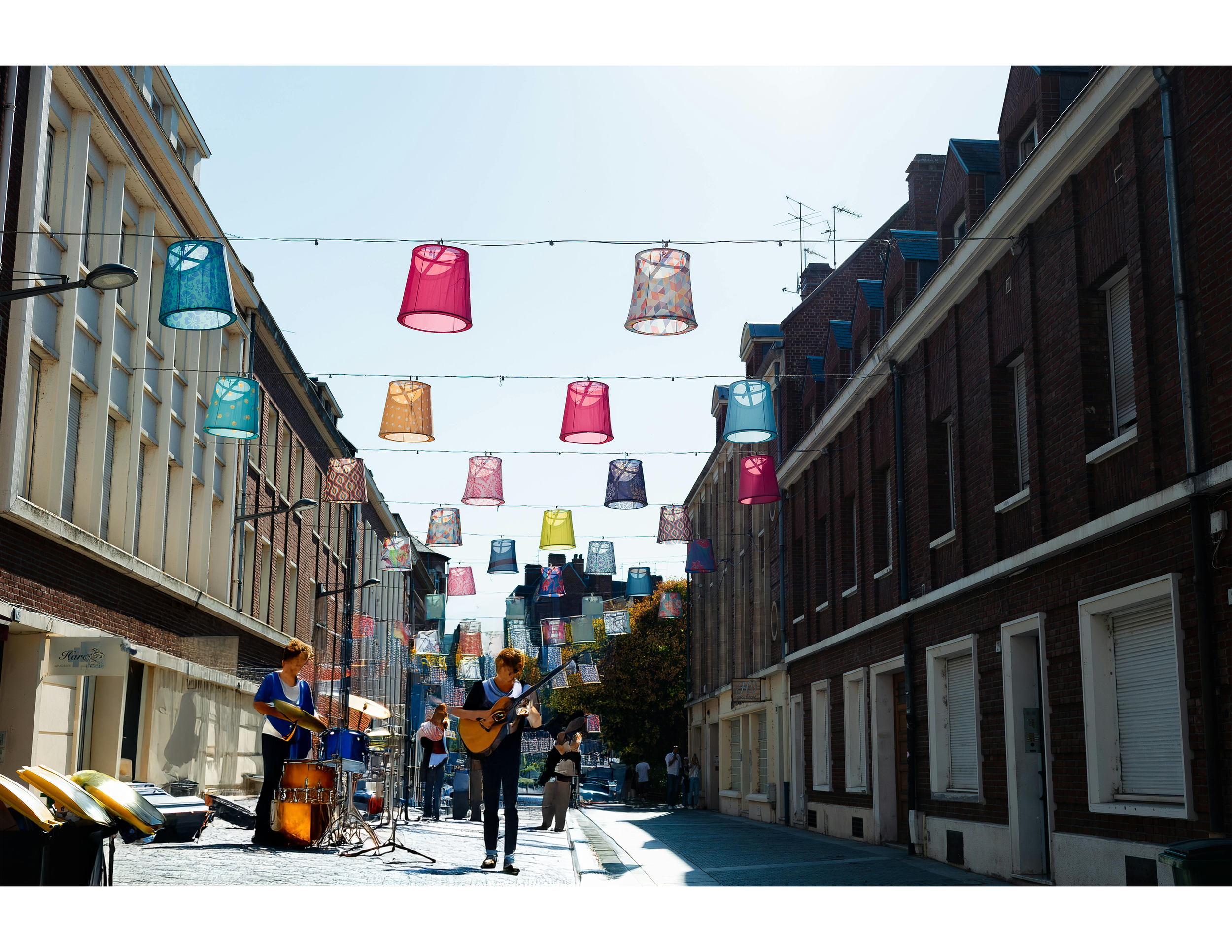
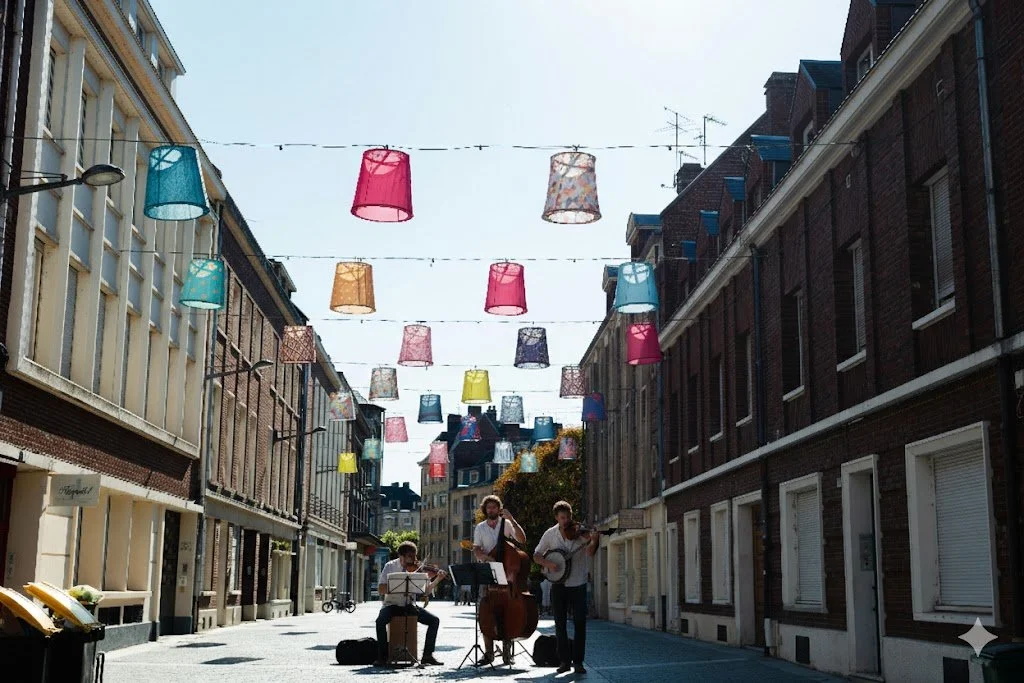
Affinity generative fill is not quite where it needs to be yet, the generated images are blurry and it struggles with matching textures and putting together faces that are coherent. The simple prompted used for this was: Add a band playing instruments on the streetscape.
Generative Edit
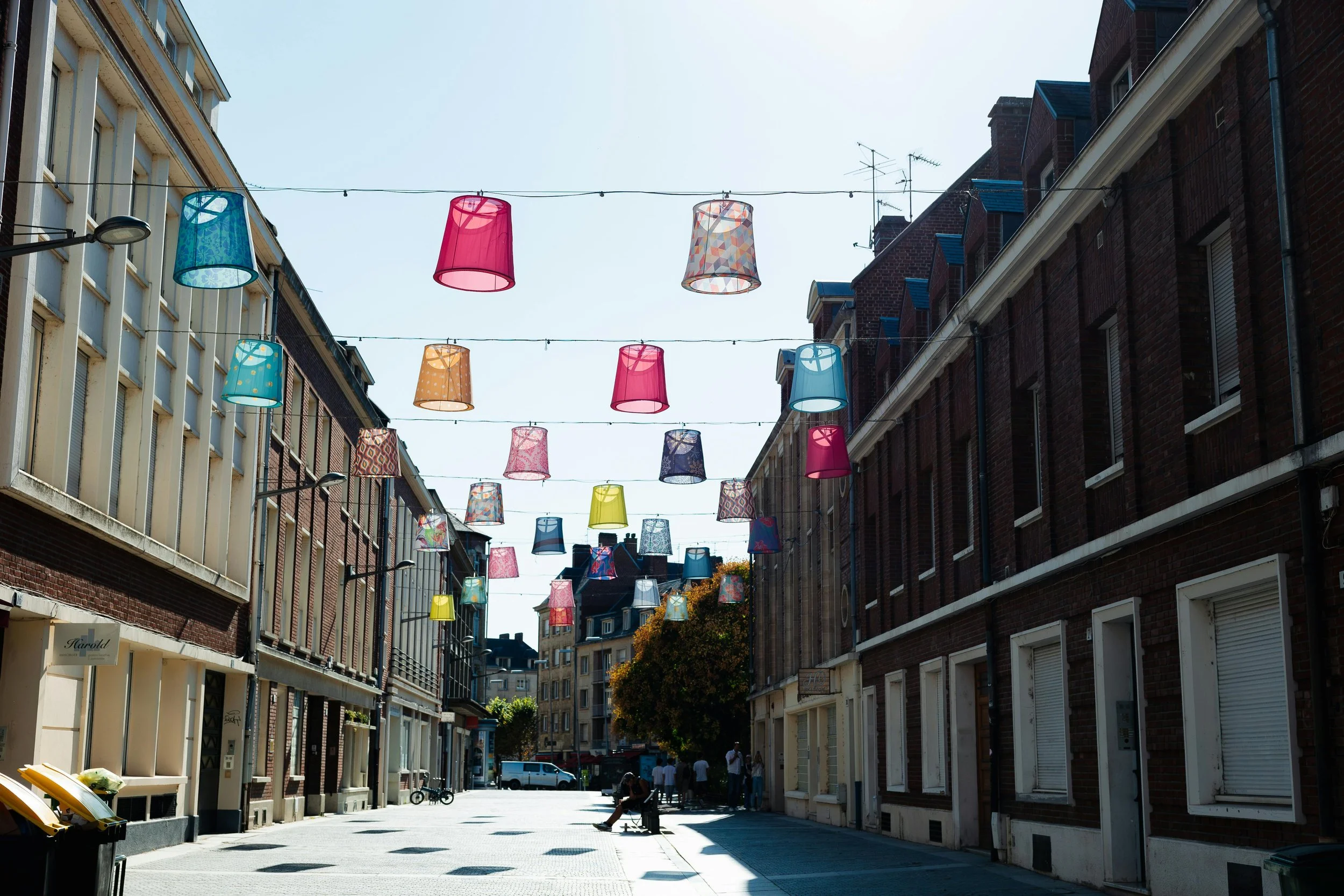
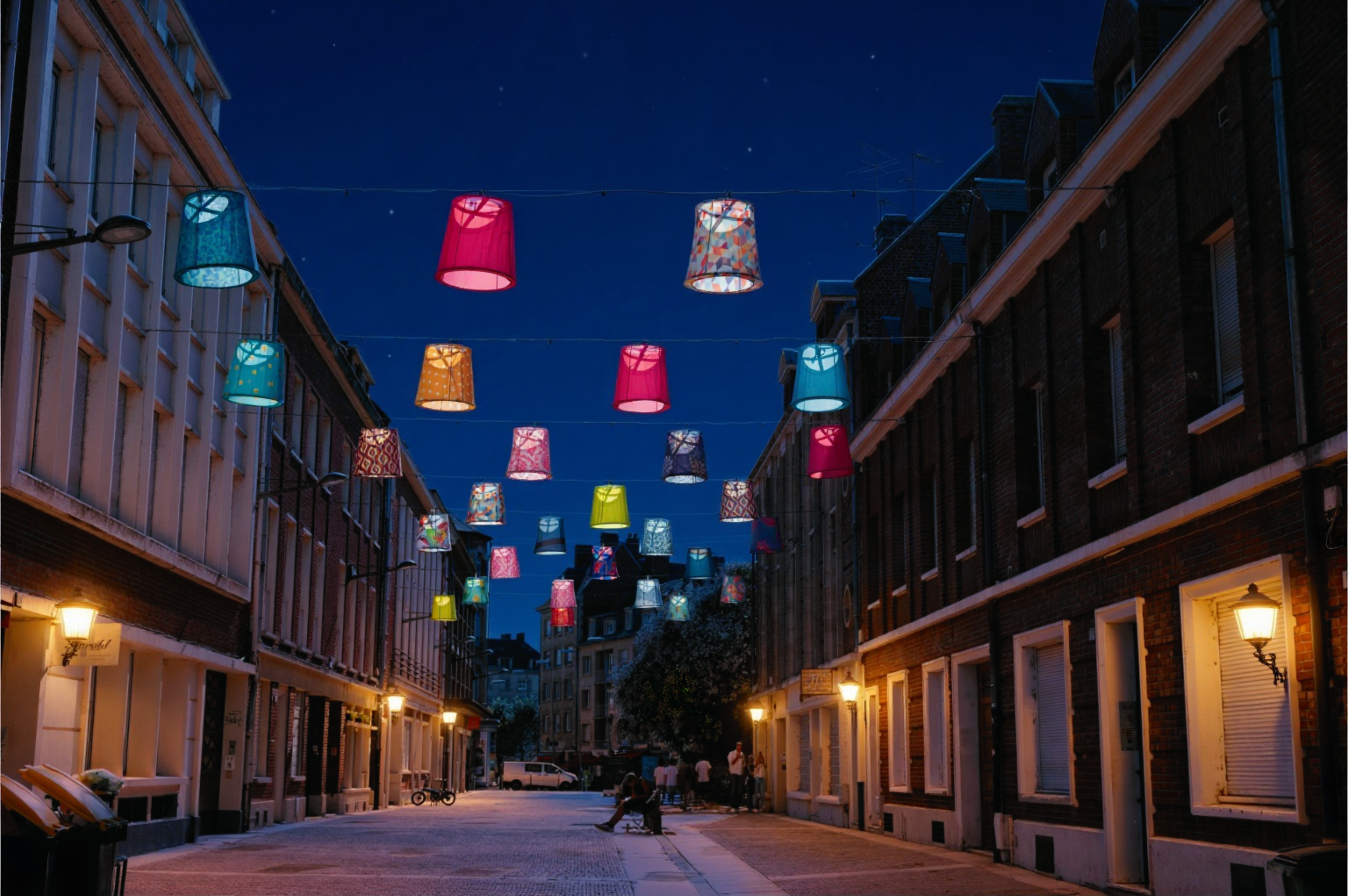
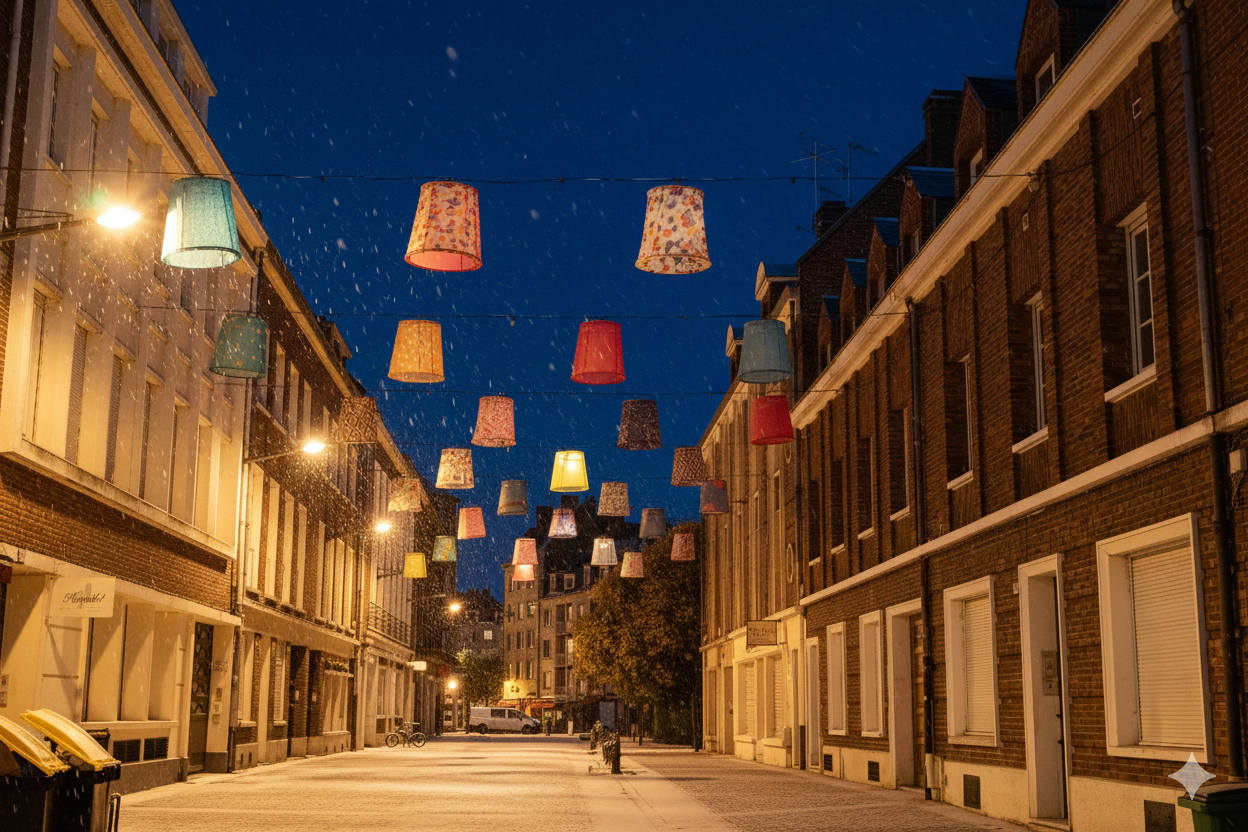
Affinity generative edit does a great job, especially at the global level. In this example it changes the day-time scene of the same streetscape into a night-time scene with artificial lights and snow.
Prompt used: Turn this scene into a brightly lit night scene with the streets lit up by street lamps. Also make this into winter-time with a thin sheet of snow covering everything.
Portrait Blur
Affinity does a great job at adding portrait blur to any photo, with adjustments in the Radius, Focal Distance, and Blur Smoothness of any image adjustment. Best part is you can have a side-by-side split viewer where you can compare the before-and-after.
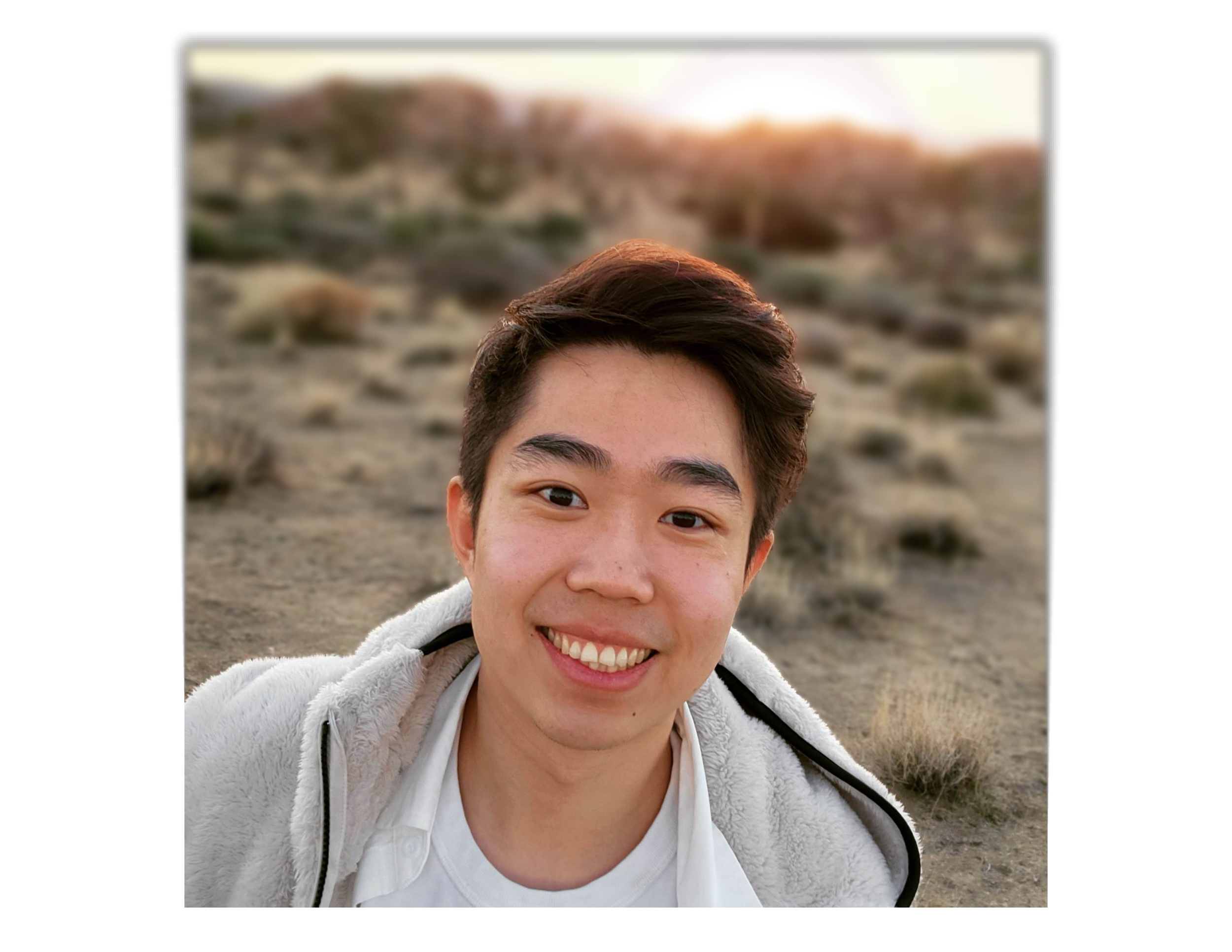
Portrait Lighting Tool
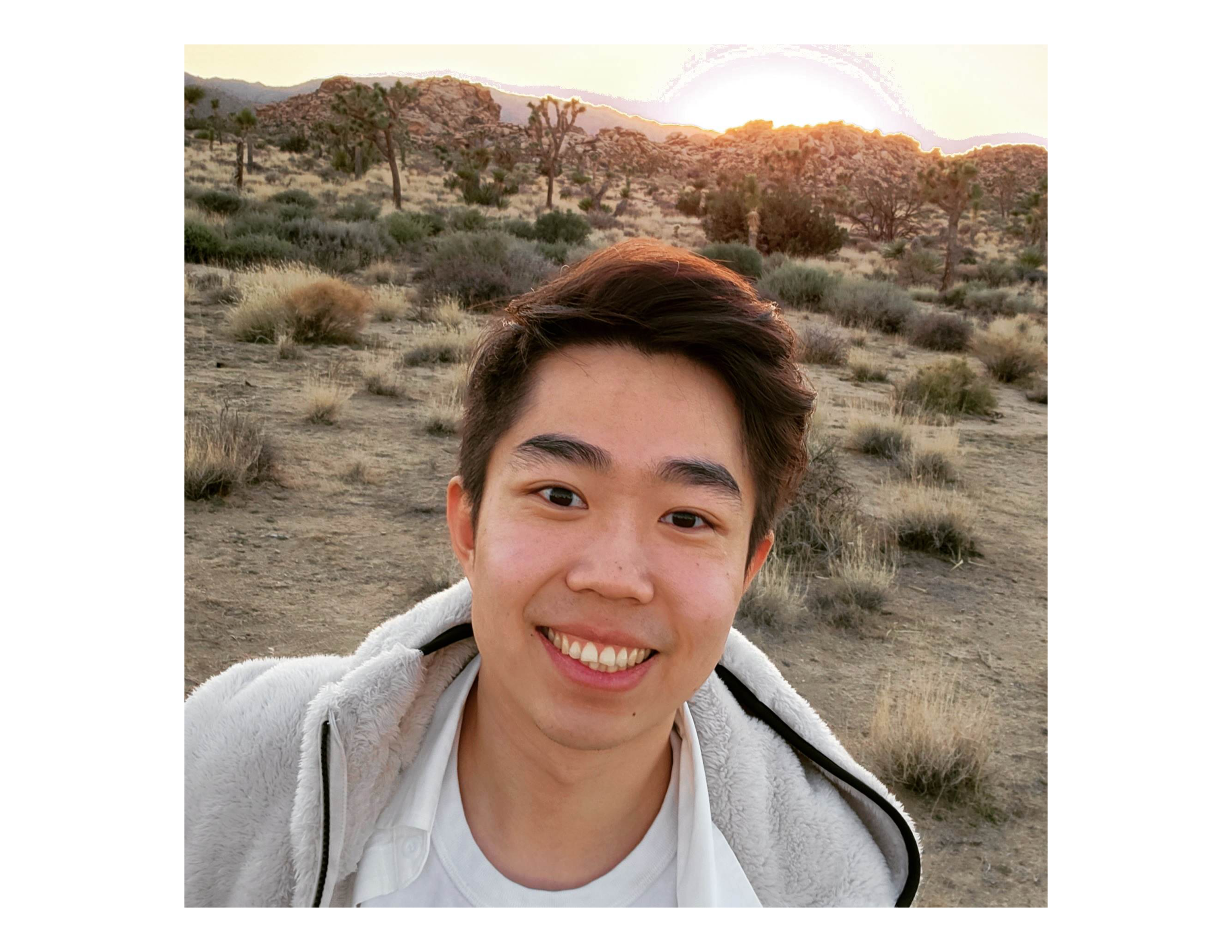
One of the coolest tools I’ve seen Ai execute. It takes into account how light might behave in a studio setting on your subject. From a flat 2D image, it’s able to give it 3D lighting highlights! Crazy stuff.
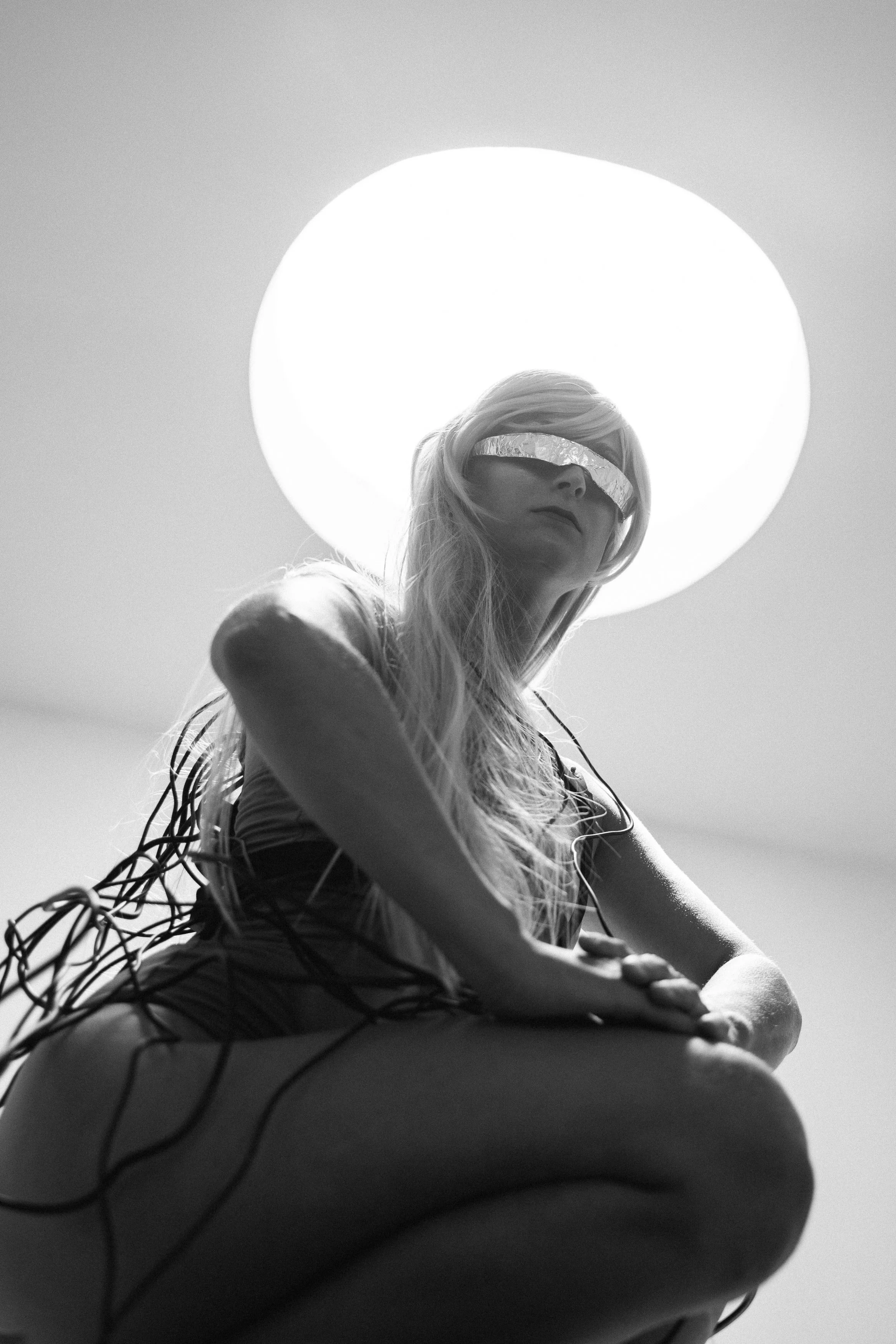
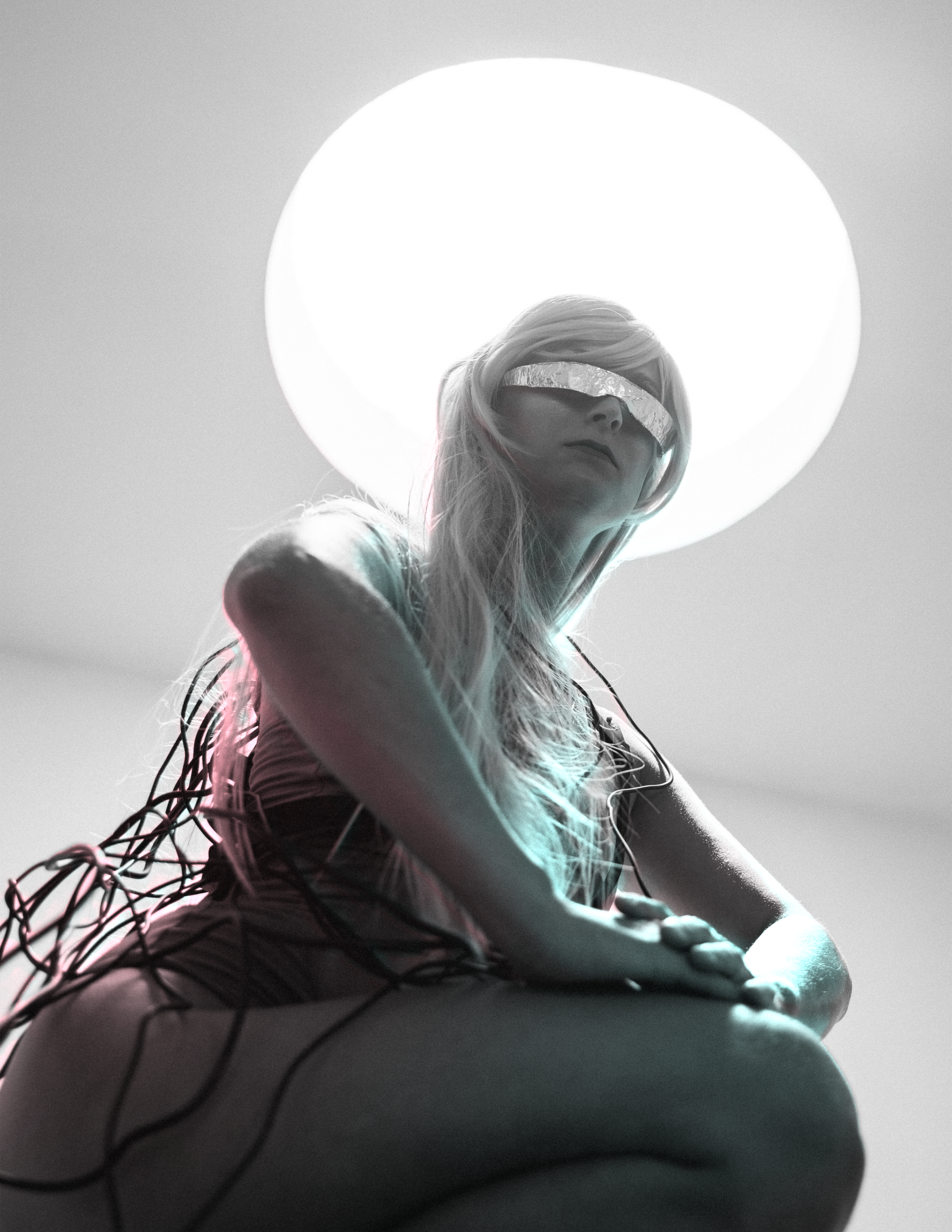
Colorize Tool
Self-explanatory tool with adjustments available for Color Temperature and Saturation.
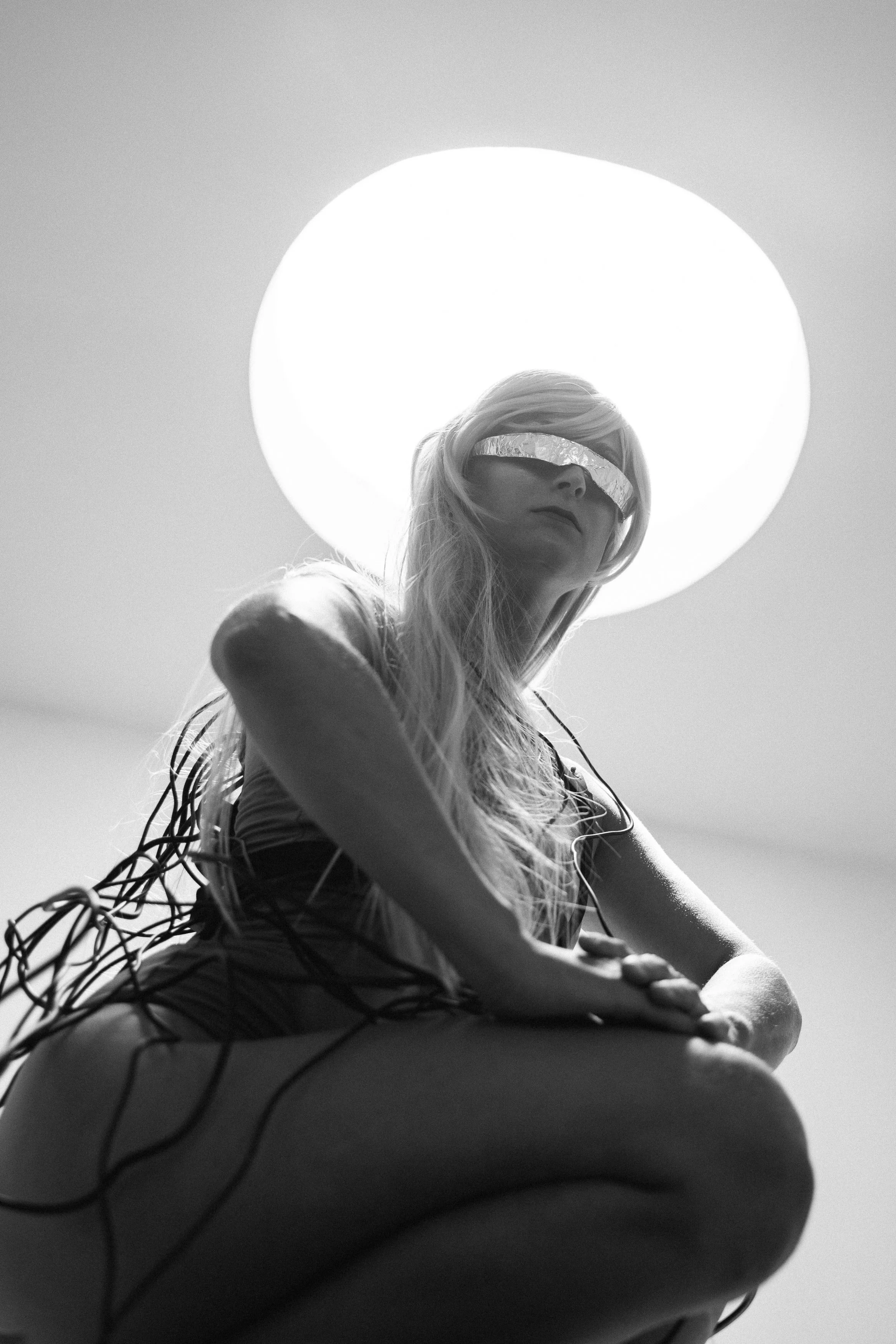
Super Resolution Tool
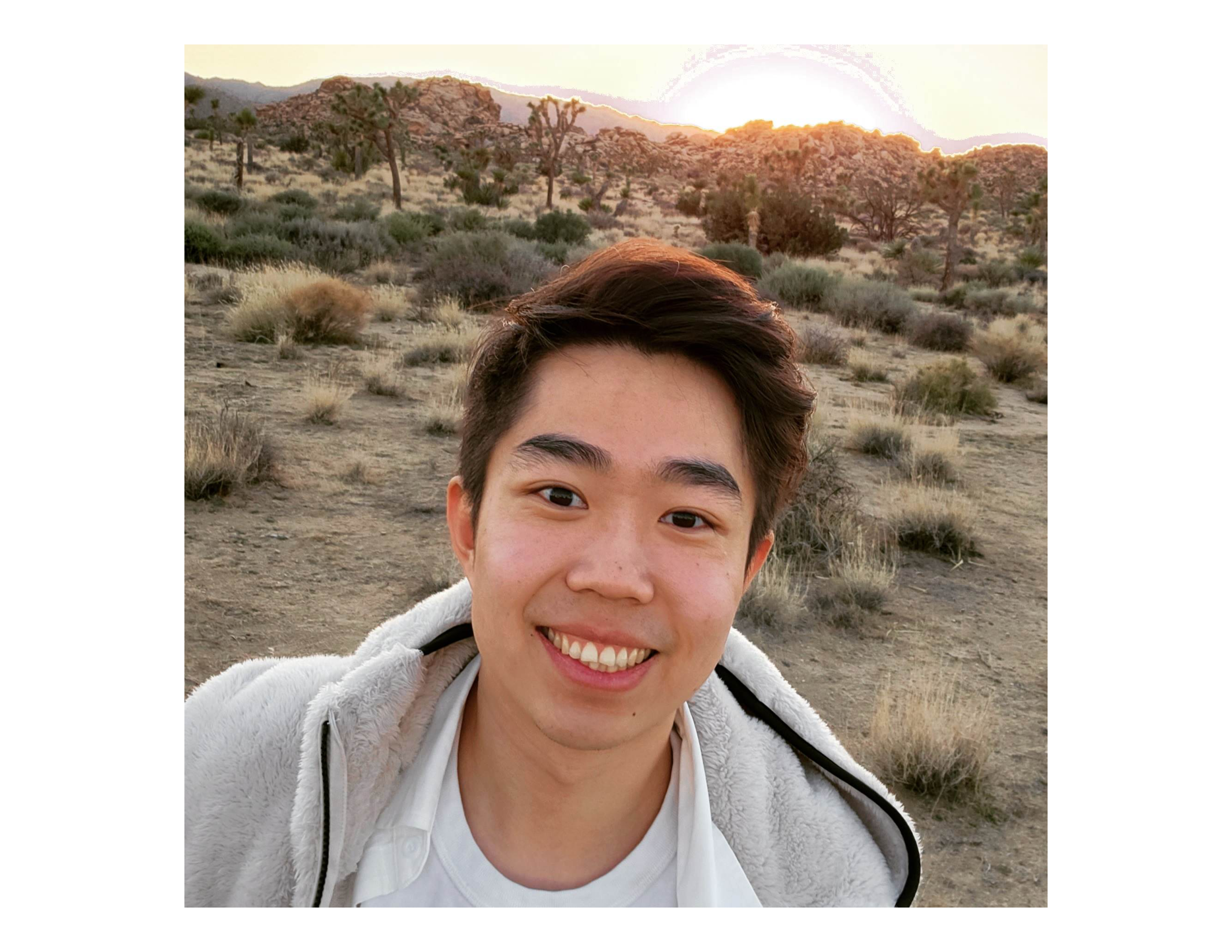
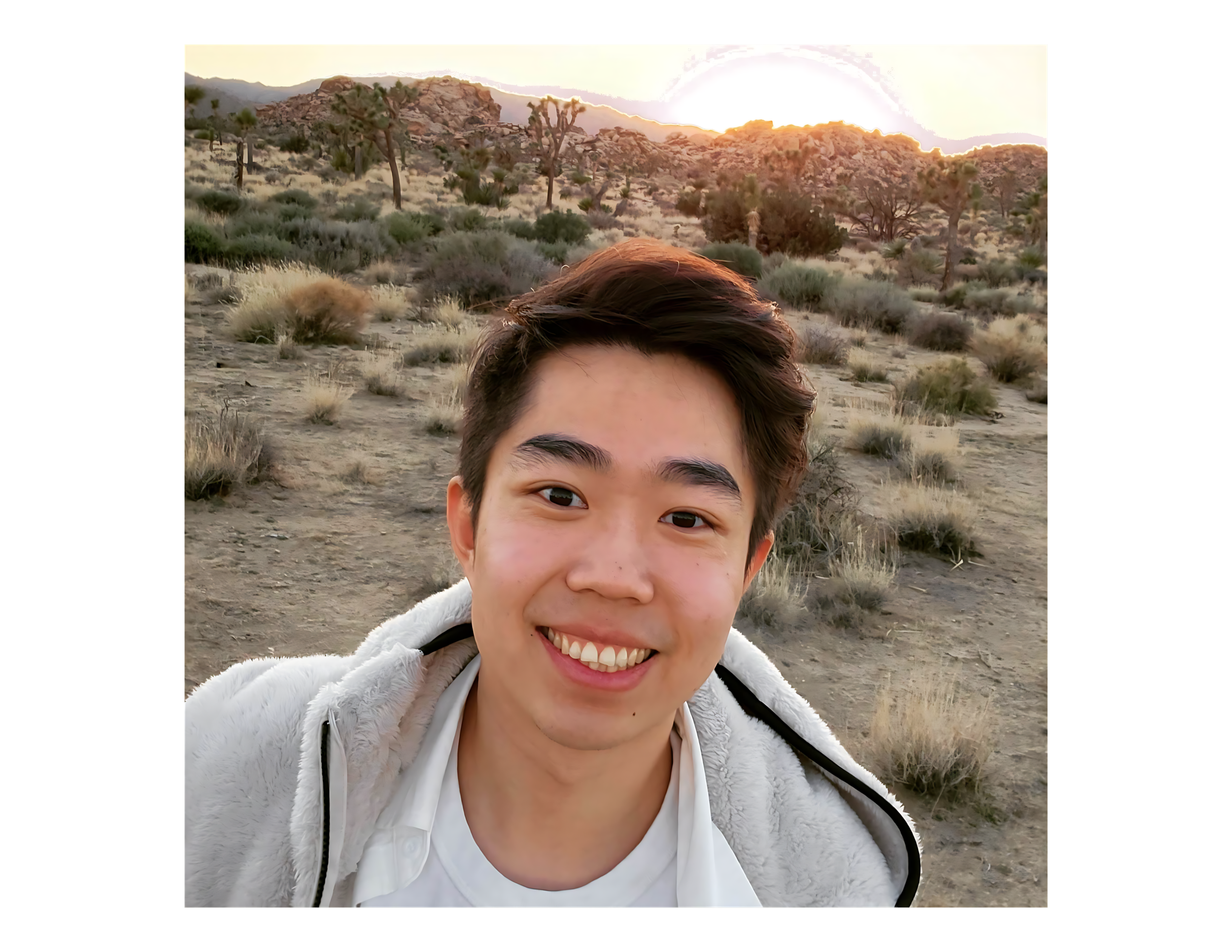
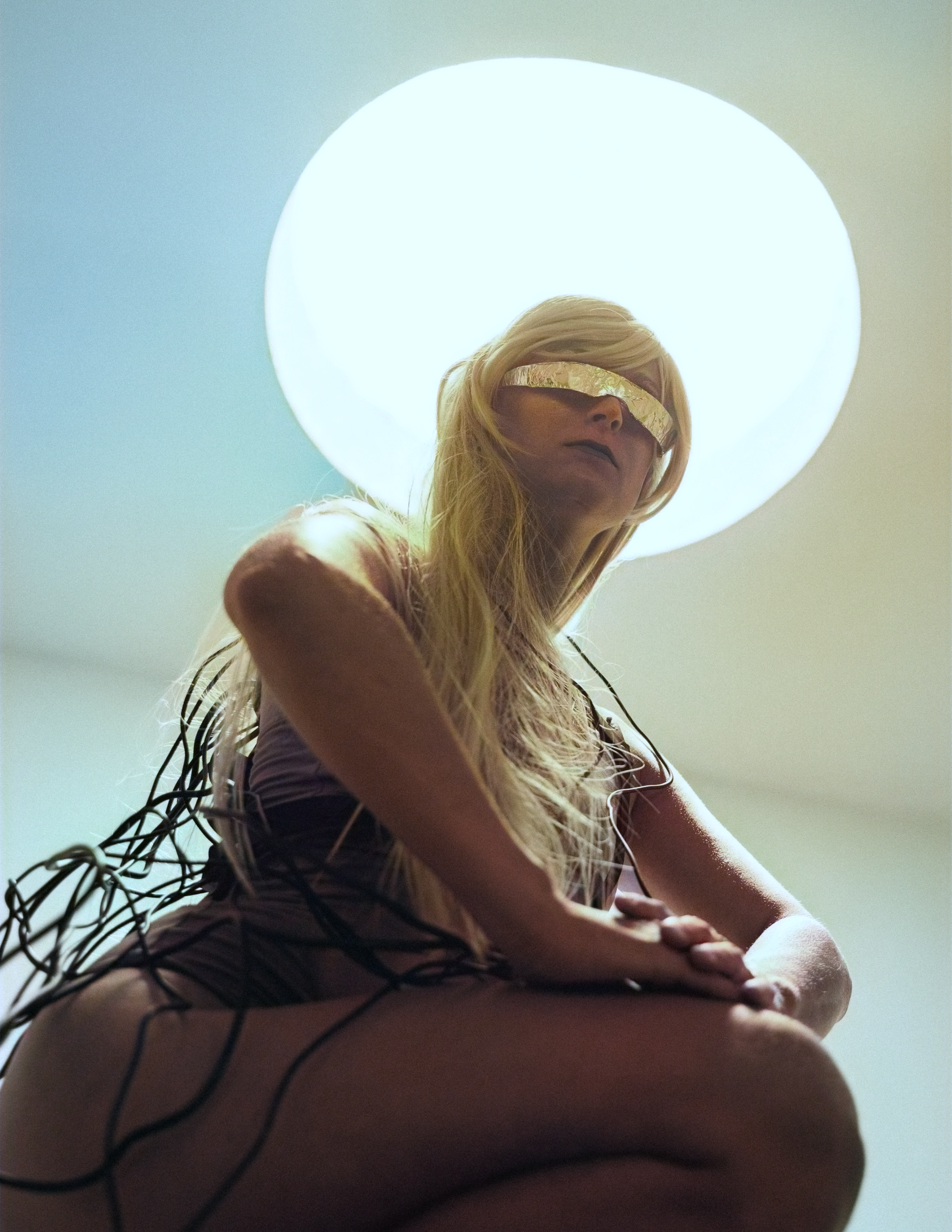
Upscales any images that might be low-resolution to include more detail. However, through this test, it smoothed out some of the details that really should’ve been highlighted, such as details on the subject’s face.