Membership Perks

Image and Template Download
Follow along or get your layout fast!

Access to ALL Layout Files
So you’re updated, no matter when you join!

Ad-Free Learning Experience
So you can focus on what matters!

Lesson Notes
So you can always go back and refer to what we did!
Three Separate Tiers of Support!
Basic
CA$2.99
Every month
CA$30.00
Every year
✓ Ad-Free Videos
✓ Class Notes to Follow Along
✓ New Content Every Month
Avid Learner
CA$7.99
Every month
CA$80.00
Every year
✓ Ad-Free Videos
✓ Class Notes to Follow Along
✓ New Content Every Month
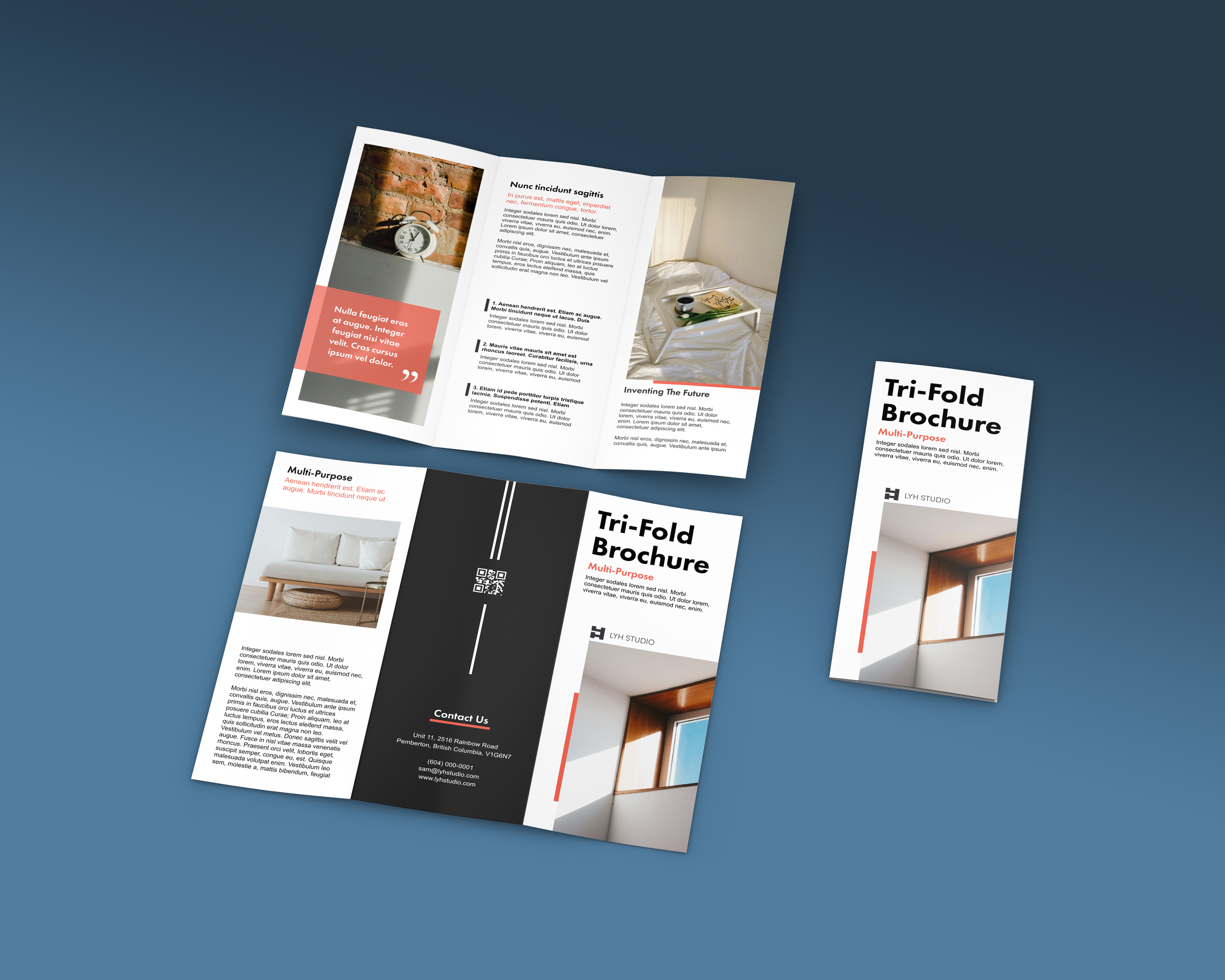
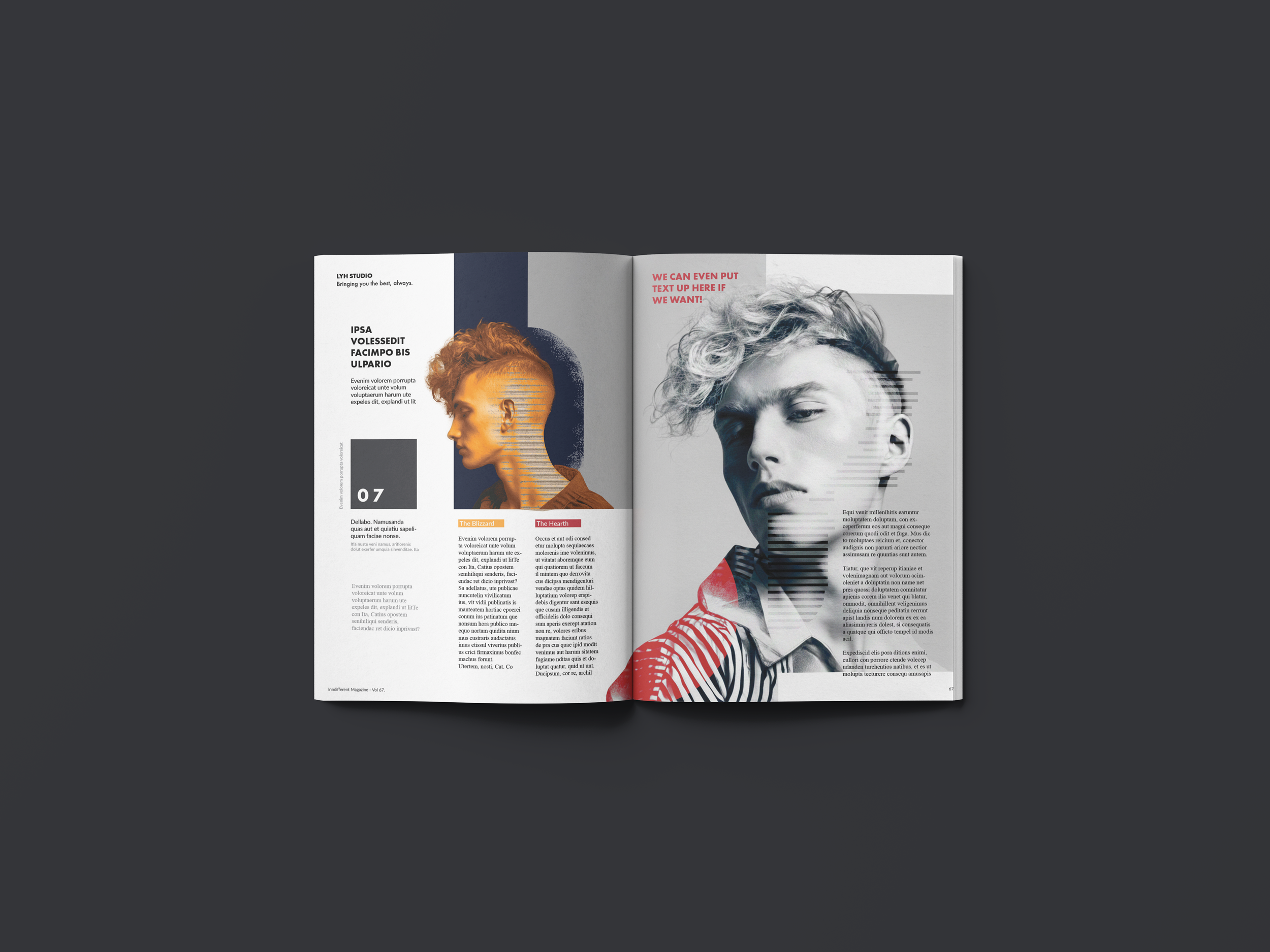
✓ InDesign Template File from the Lesson
✓ JPEG/PNGs Used
All-Star Learner
CA$19.99
Every month
CA$200.00
Every month
✓ Everything in Avid Learner
✓ Priority Support
✓ Get New Content a Week Earlier
✓ Shoutout at End of Youtube Videos!
✓ Our Eternal Gratitude



-
"Great Tutorial. Straight to the point. I learned ALOT! And you were very descriptive when explaining these processes. Thank you so much buddy."
Kandathil M.
-
"Thank you so much for a quick and easy tutorial to get started in Indesign. Super clear and easy, answered all the questions that usually cause so much frustration when learning one of Adobe's programs and you know the answer is just staring you in the face!"
Penny O.
-
"Wow! 😮 What a fantastic tutorial! Thank you so much. I’m fairly new to InDesign and this has opened up a whole new world of creativity for me. I really appreciate the time and effort you put into making this tutorial, particularly for newbies like me. 😊"
Danielle S.
-
"thank you for this tutorial. i really needed this indesign practice for my upcoming magazine spread project. i love how you get straight to the point, please keep up the good work!"
Ahn V.
-
"Excellent tutorial, I've never come a cross another guide that is this informative, thorough, and well-made."
Kevan L.
-
"Thank for your easy tutorial I learn quickly how to use InDesign and it's pretty easy to use that anyone can use it. Thank you bro for sharing your knowledge"
Angui B.
-
"Adobe In Design Needs to add this Video to the tutorials they have. Thank you so much its like you know exactly what i am trying to accomplish and you covered all the hot points."
Danny F.
-
"Great tutorial, I've used InDesign for 6 years. Watched this 11 min video and learned at least 3 new things that I would use consistently."
Christopher P.